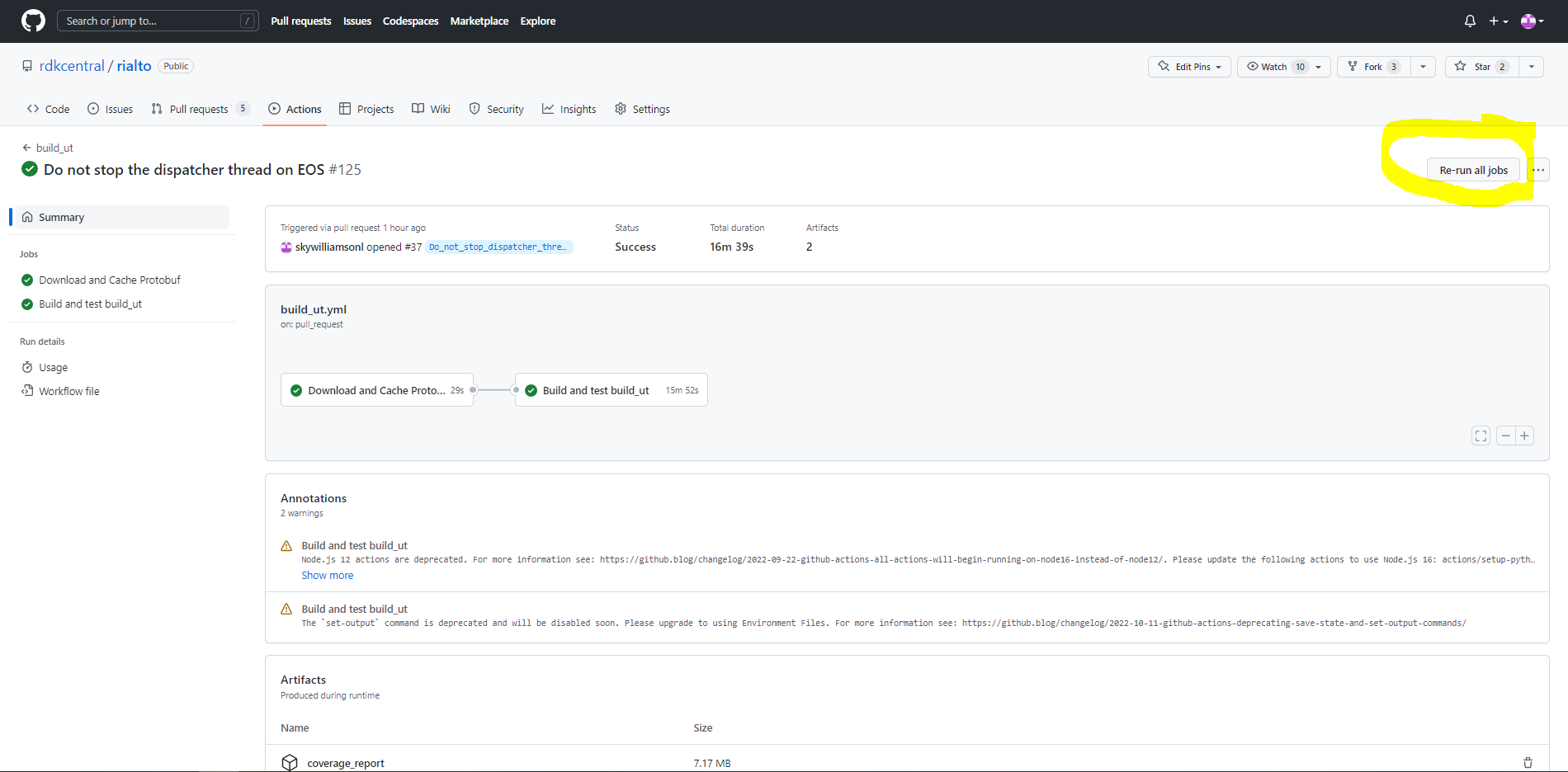
Generally all workflows in the Rialto repository are reliable, however, the build_ut and valgrind_ut workflows occasionally suffer from a failure in the github caching mechanism.
Signs of failure:
On ut workflow runs, you will see a failure in the 'Download and Cache Protobuf' job. Analysing this job, you will see that the 'Install protobuf library' fails because it timeout when it tries to install protobuf library.
Reason for failure:
The proptobuf cache is corrupt. The cache flag 'cache-protobuf-2' is true because the job sees a protobuf library in the cache, thus, 'Build protobuf library' step succeeds instantly. However, when the 'Download and Cache Protobuf' job goes to install the protobuf library, the install step notices that the build isn't right and so re-builds the library, this can take 12-15mins. For some reason the cache is getting corrupted after ~6weeks, this is a github issue.
How to fix:
Reset the cache, this can be done in the github UI:
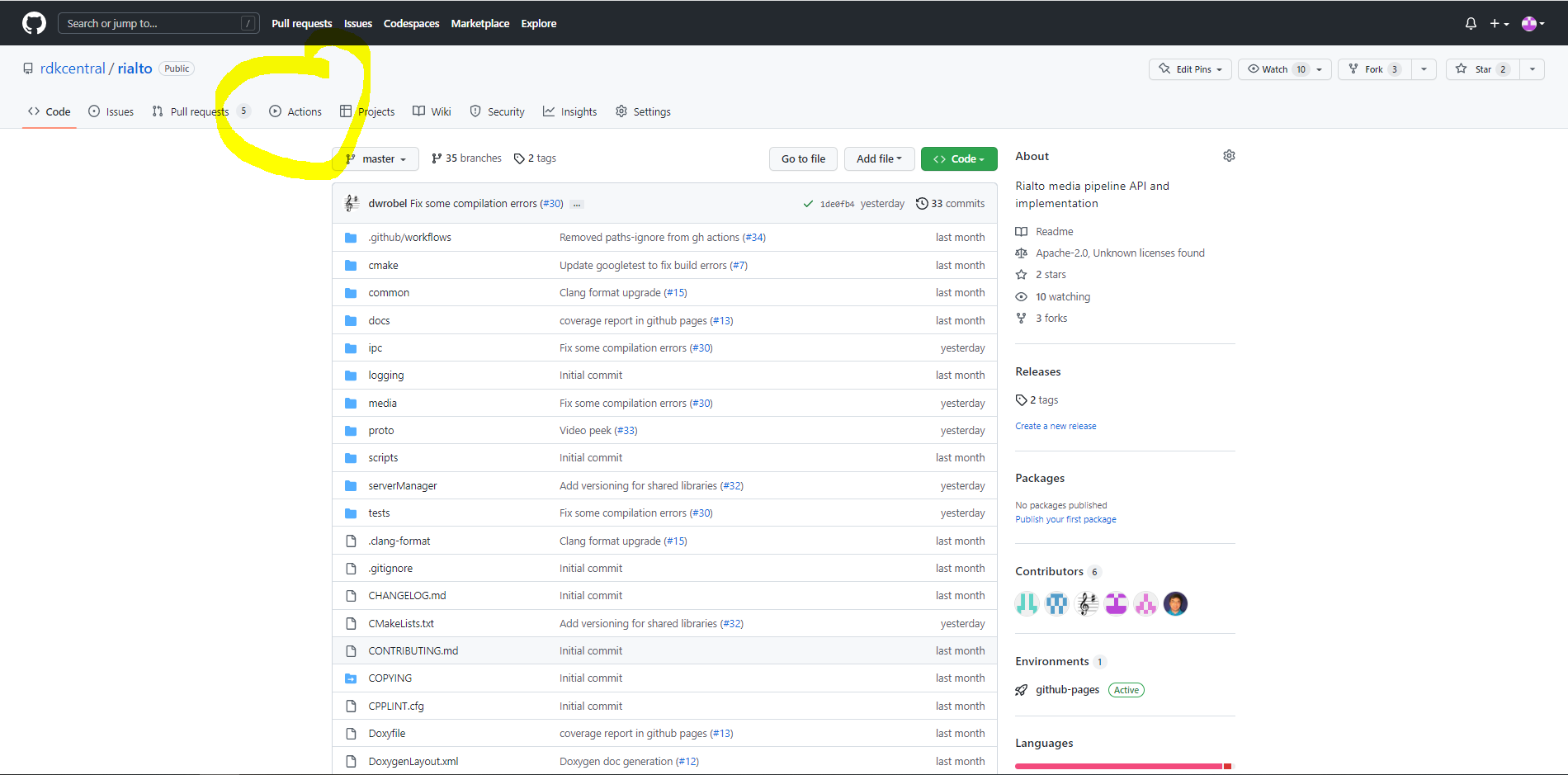
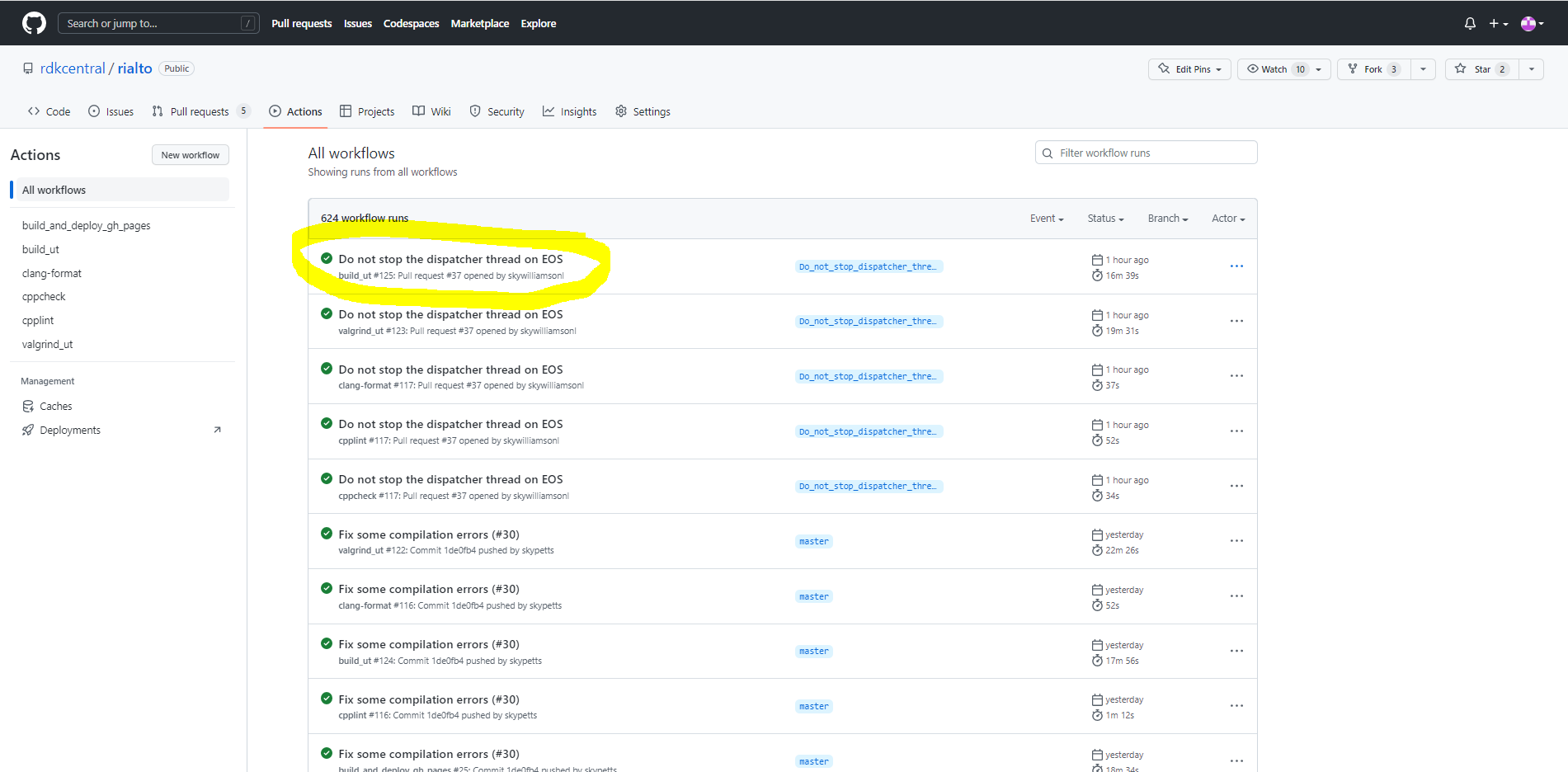
1. Go to the actions tab.
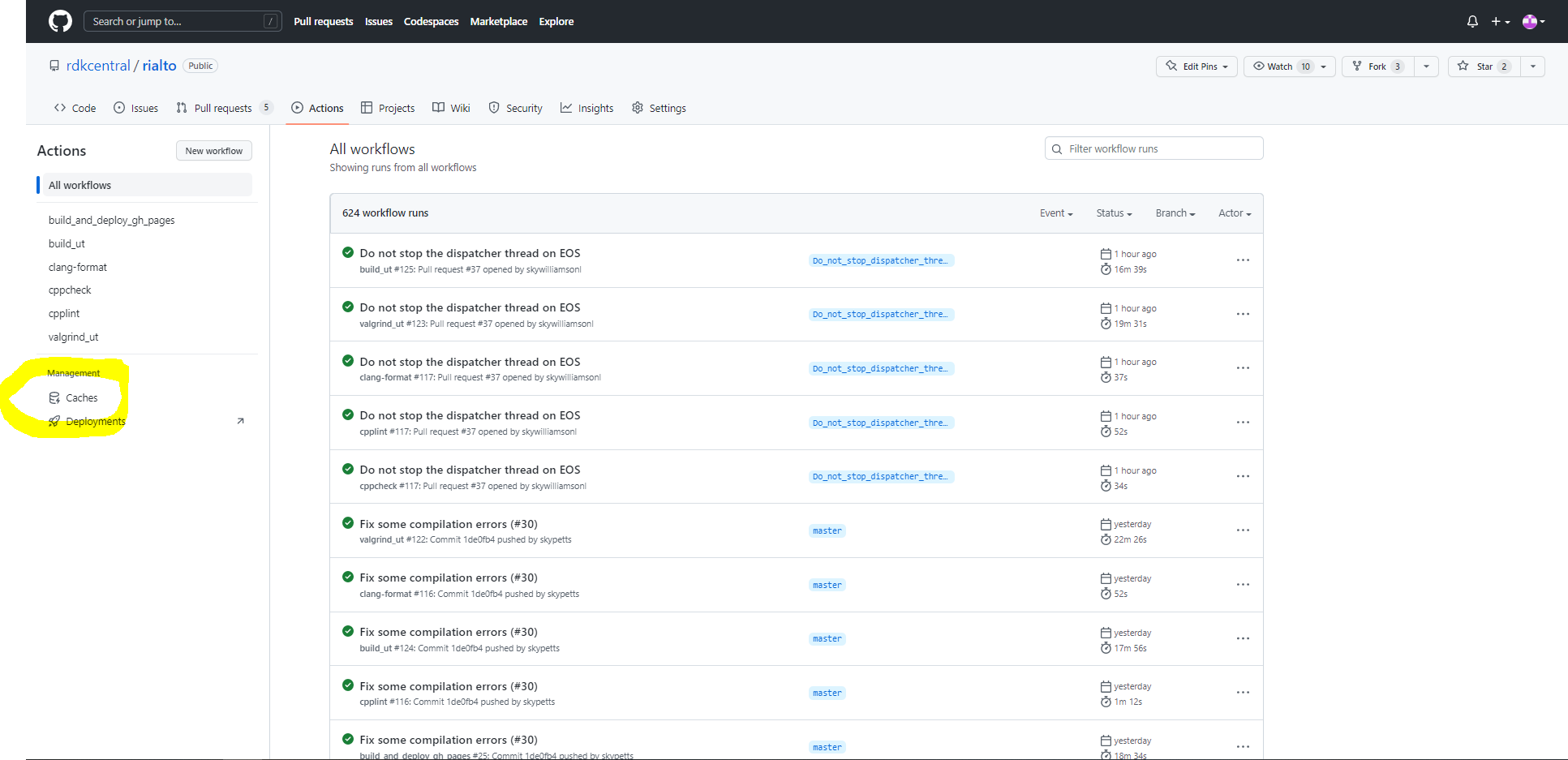
2. Go to the stored caches.
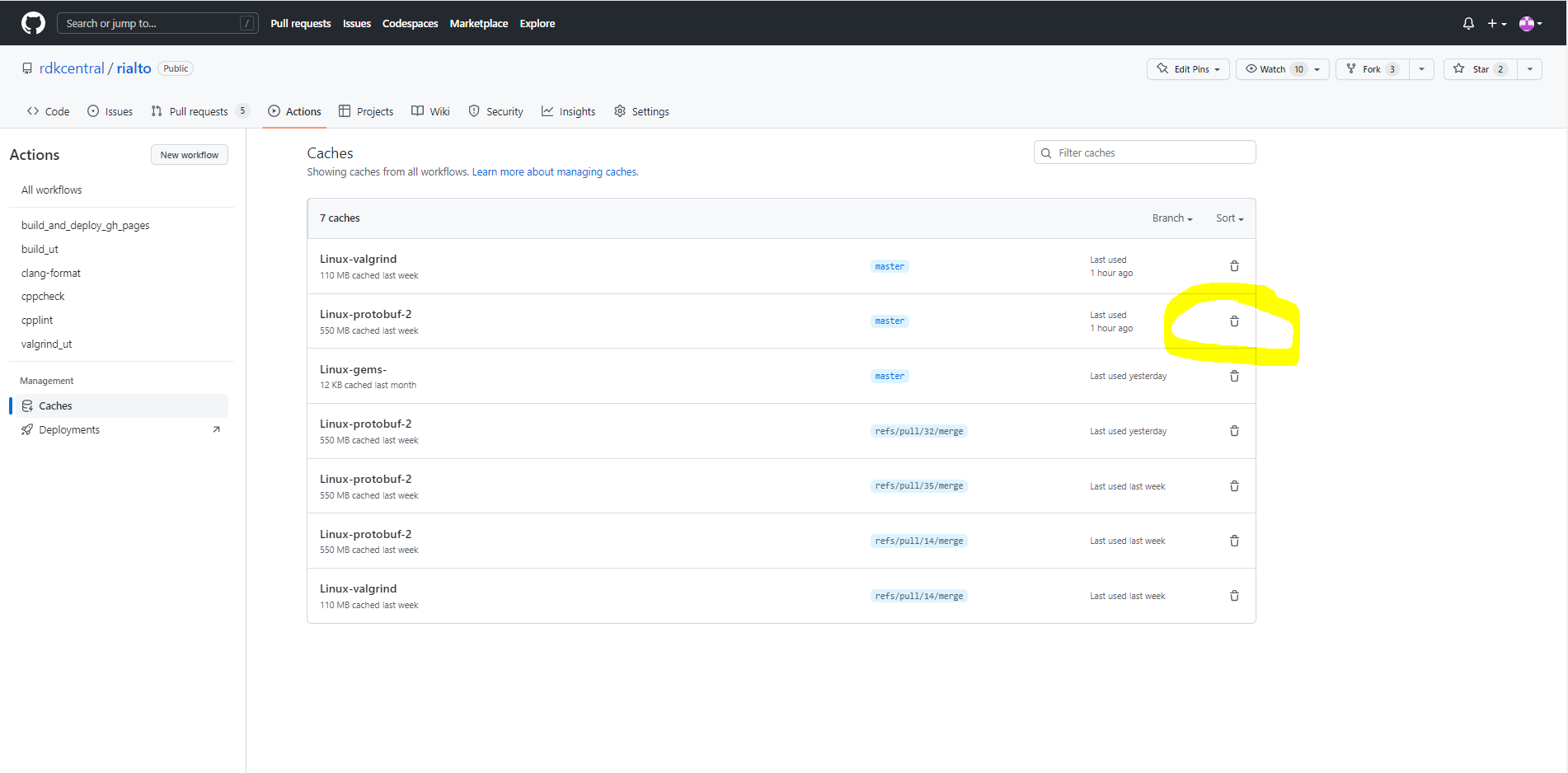
3. Delete the protobuf cache on the master branch.
4. Optional - Re-run failed test.
a. Go to the actions tab.
b. Click on test to re-run.
c. Press Re-run