server version: Apache/2.4.58 (Ubuntu) |
php -v
PHP 7.2.34-45+ubuntu20.04.1+deb.sury.org+1 (cli) (built: Apr 11 2024 22:10:08) ( NTS )
Copyright (c) 1997-2018 The PHP Group
Zend Engine v3.2.0, Copyright (c) 1998-2018 Zend Technologies
    with Zend OPcache v7.2.34-45+ubuntu20.04.1+deb.sury.org+1, Copyright (c) 1999-2018, by Zend Technologies
|
apt install apache2 php libapache2-mod-php |
-rwxr-xr-x 1 www-data www-data 1166 Apr 2 08:36 telemetry_upload.php |
drwsrwsrwx 2 www-data www-data 2637824 May 9 11:30 upload |
$ a2enmod php7.2
$ systemctl restart apache2
| Assumption is the json files are available in upload directory, if any change in the path telemetry_upload.php and display.php should be modified accordingly |
ls -l display.php -rwxr-x--x 1 www-data www-data 2765 Mar 12 13:36 display.php |
$ systemctl restart apache2
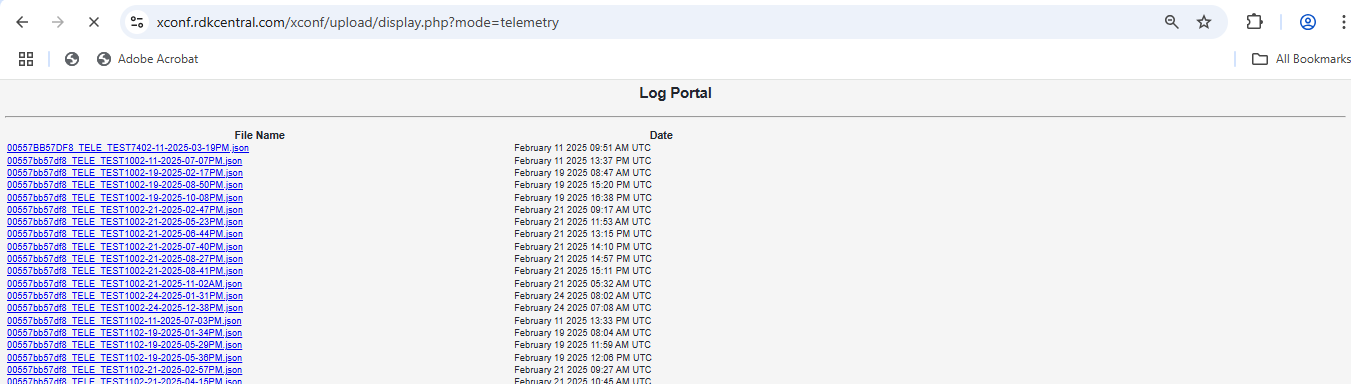
https://xconf.rdkcentral.com/xconf/upload/display.php?mode=telemetry