Port forwarding is a network configuration method that directs incoming traffic from an external network to a specific device within a private network. It uses predefined rules to map external ports to internal IP addresses and ports, ensuring consistent access to services. This approach enables reliable connectivity for applications like servers, remote access, and online services.
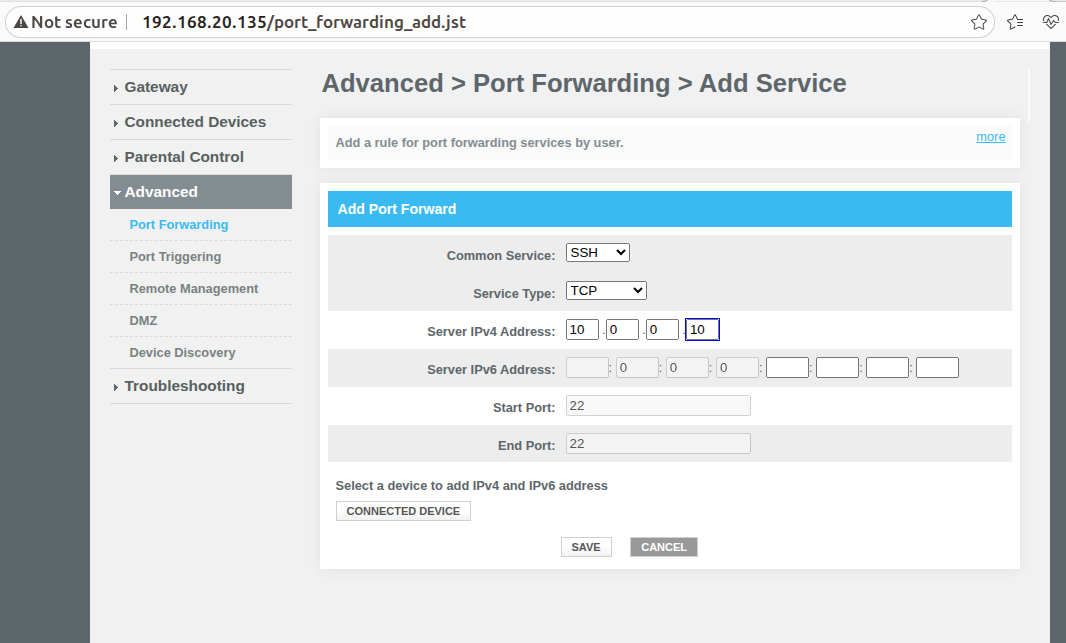
TCP - Method used SSH server |
|---|
1)In Your client machine(LAN)you should have SSH installedEX: ssh <username of lan client>@<erouter0 ip> |
UDP - The Netcat ( |
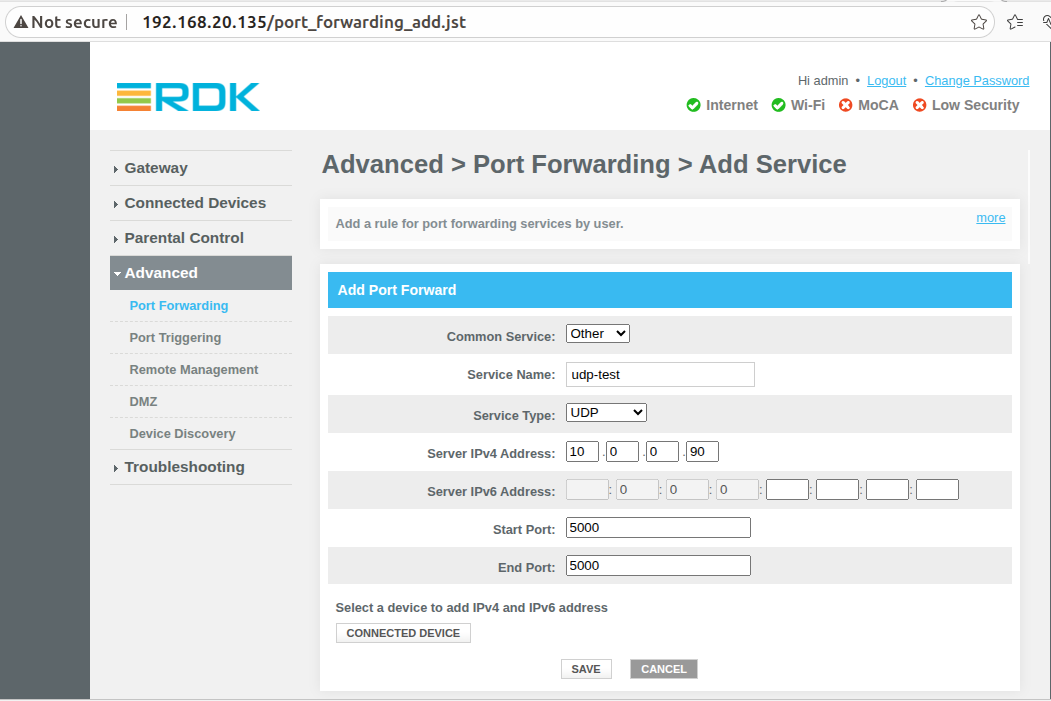
1)In Advance > Port Forwarding > Add Service, Common Service as other, Service Name as Netcat and Service Type as UDP, add lan clients's Server IPv4 Address |
WEBUI
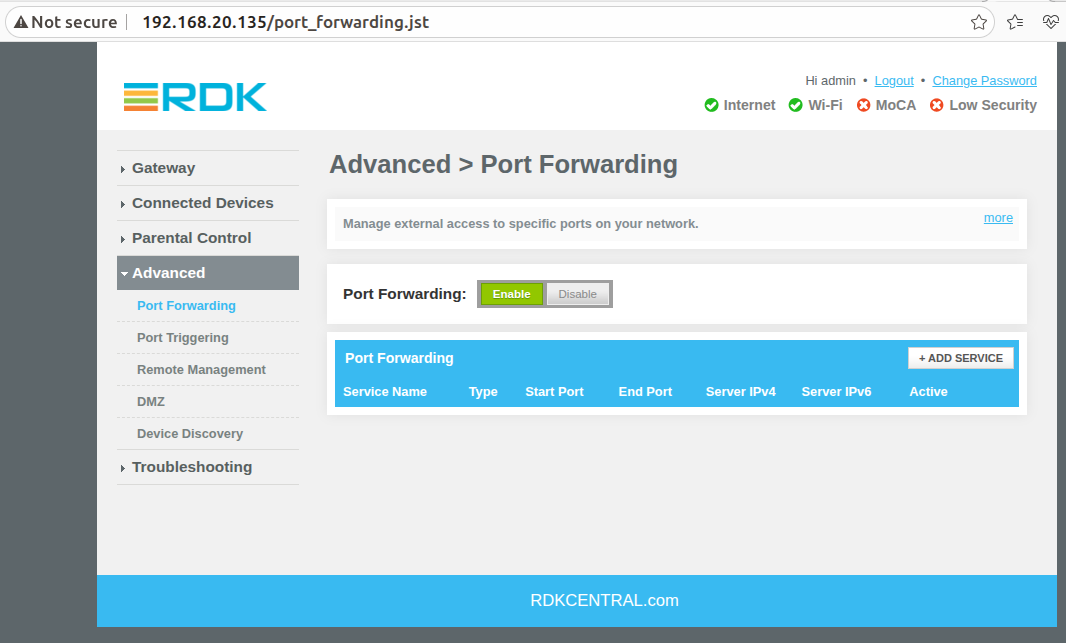
Step 1: Login to webui, from navigation -> Advanced ->Port Forwarding. Click on Add Port Forwarding.
|
|---|
Testing Steps (TCP and UDP)
TCP :
|
|---|
UDP :
|
|---|
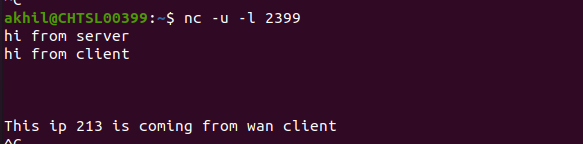
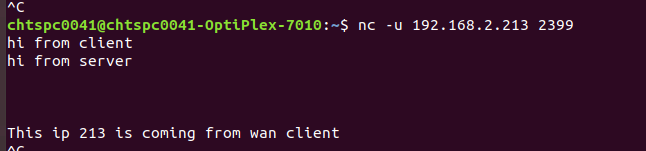
In Your client machine(LAN)you have to run : nc -u -l 5000
From external WAN machine run nc -u 192.168.2.30 5000, while client machine(LAN)run https service(In browser https://www.google.com)
|
|---|
|