In this page:
Overview
RDK-8 is based on RDK-E layered architecture where layers can be independently built, tested and delivered.
The different layers in RDK8 are Vendor, Middleware and Image Assembler.
Each layer can be built separately to provide versioned binaries.
In RDK8 there are some key differences to RDK 7
- There is no separate OSS layer
- Instead the OSS Consumption Model is used where open source packages are built as part of the vendor and middleware layers.
- There is no separate Application layer
- All applications are now BOLT DAC applications and are built and signed separately to the RDK yocto build.
- RDKShell is no longer used for Application management functionalities instead the RDK AppManagers framework is used.
- Each layer can be built separately to provide versioned binaries. Each of these layers contain components necessary to build that layer.
For more information on the RDK 8 architecture please see <TODO>
Image Assembler serves as the final build which consumes the binary deliverables in form of IPK's from the vendor and middleware layers.
RDK8 Branch, Tags and Changelog Info
This section provides links to the layer RPI 4 manifests repos and meta layers it also documents and links to the TAGS used in the RDK8-1.0.0 release
Layer Manifest and Meta Layers
Manifest Layer Repository | support/rdk8-main Initial TAG | RDK8-1.0.0 TAG | Meta Layer Repository | support/rdk8-main Initial TAG | RDK8-1.0.0 TAG |
|---|---|---|---|---|---|
OSS Layer
The OSS Layer is common across all RDK-M platforms
Meta Layer | TAG |
|---|---|
Middleware Layers
The following are the meta and manifest layers that constitute the RDK-E middleware
Repo | Type | Branch | Created From | RDK8-1.0.0 TAG |
|---|---|---|---|---|
meta-layer | ||||
meta-layer | - | - | ||
meta-layer | - | - | ||
sub manifest layer |
Bolt Applications
In RDK-8 there is no application layer but the release was tested with the following bolt application versions
Bolt Package | Version |
|---|---|
| base bolt | com.rdkcentral.base+0.2.0.bolt |
| wpe bolt | com.rdkcentral.wpe+0.3.1.bolt |
| refui bolt | com.rdkcentral.refui+6.0.9.b |
Layer Manifest Tags
Host Setup & Build Instructions
TODO
RPI 4 RDK 8 Prebuilt Image
TODO
Flashing Instructions
The micro SD card should be formatted before writing the RPI image to it.
The minimum SD card size recommended is 8GB. It is preferred to use more (16 or 32 GB) considering the downloadable apps support in RDK. After flashing, remove the SD card and insert it to the Raspberry Pi 4 device' SD card slot.
Option1: Using Linux
Using dd on linux/macOS:
|
Option 2: Using Windows
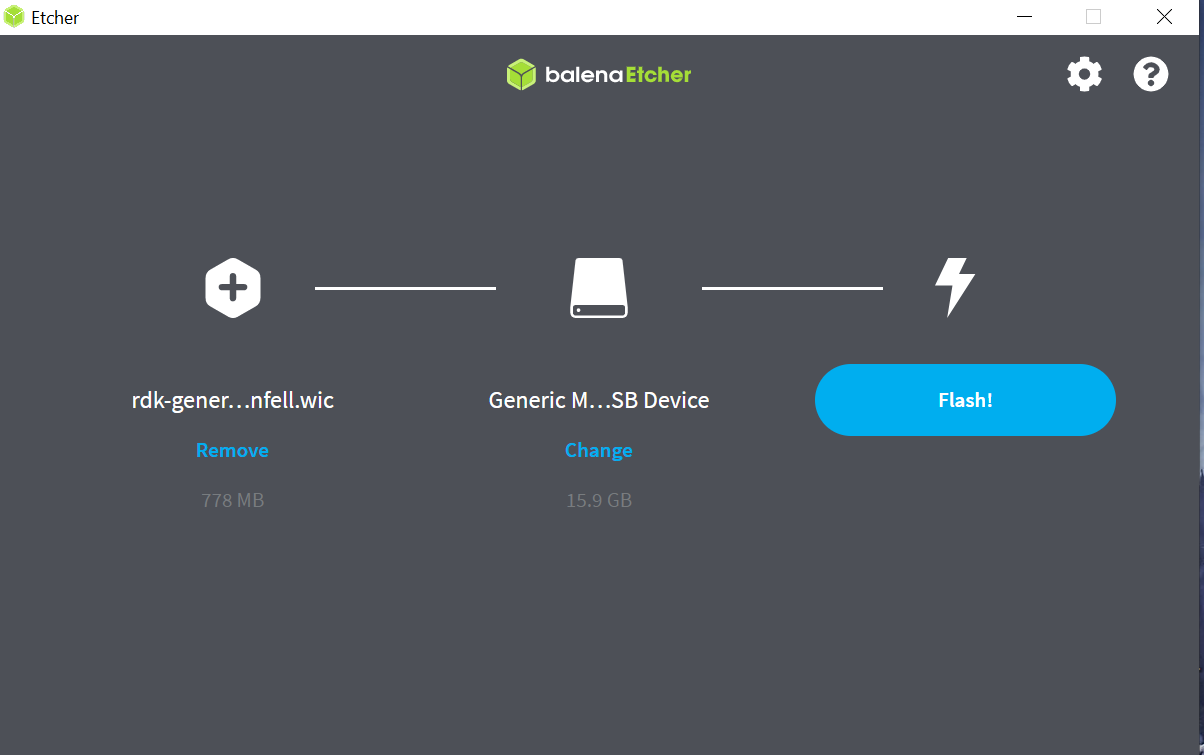
Using balenaEtcher:
To flash the image on an SD card, you will need to download the balenaEtcher application - https://www.balena.io/etcher/
Open the application → Select the image from your download folder → Select the drive containing your SD card → Click “Flash” to copy the image onto the SD card.
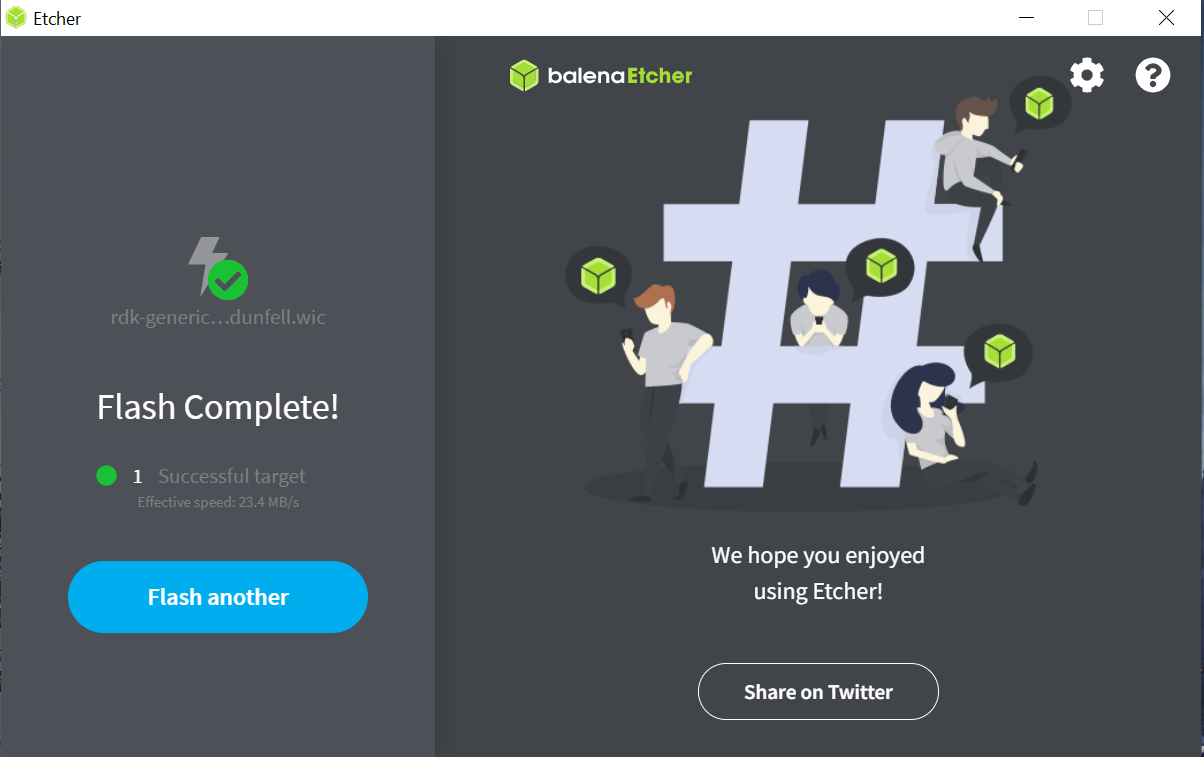
In some cases, we have seen an error where latest versions of BalenaEtcher gets stuck at 7% flashing:
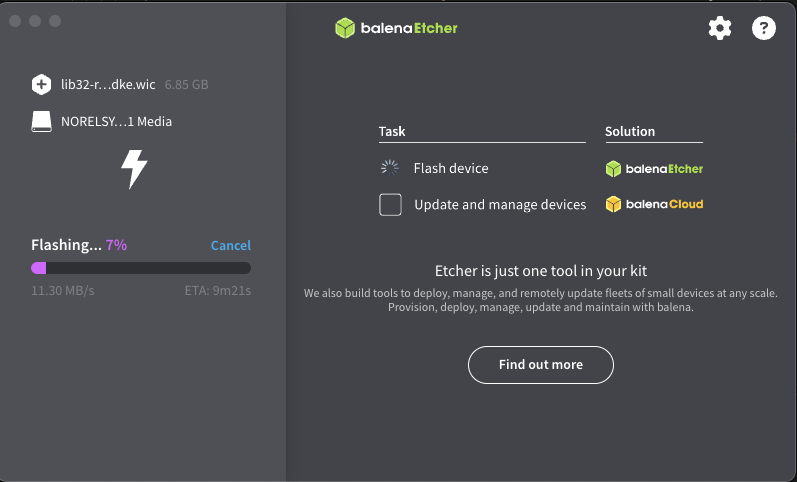
In this case, try downgrading Balena Ether version to 1.18.11
Power on the Raspberry Pi:
- TV screen will display the default RDK UI as shown below.
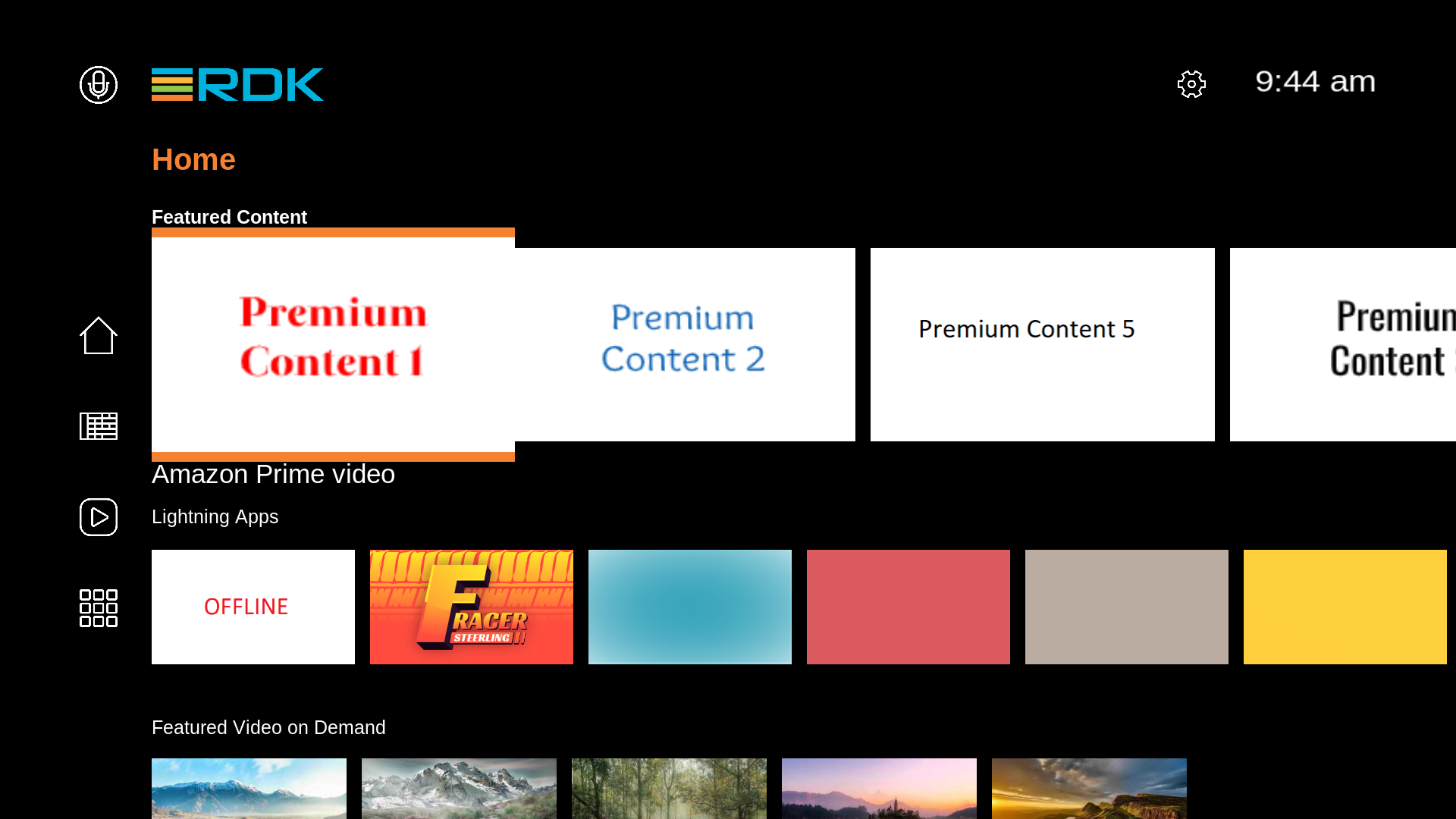
- To view the Raspberry Pi's IP address(referred as machineIP from now), Go to 'Settings → Network Configuration → Network Info → check for 'IP Address''.
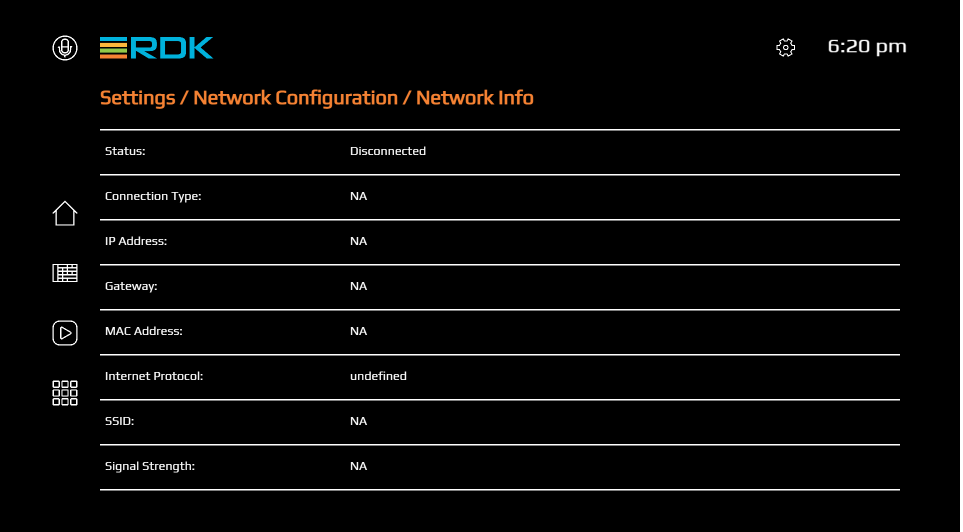
- For ssh, we can use ssh root@<ip-address>
- For verifying the image details, we can use cat /version.txt command.
Licenses
The following tabs contain a document of all the licenses in each of the layer builds for the RPI 4 platform:
The following tabs contain a document of all the licenses in each of the layer builds for the RPI 4 platform:
Test Coverage and Test Reports
RPI RDK8 test results are available at the following location: TODO
TDK Version used for RDK8 certification is TODO
Known Issues
Please login with your RDK Wiki credentials to see the JIRA Issues |
All the known issues that are part of this release for this platform are available in RDK JIRA