

Page History
Corrupt Cache ut workflows
Generally all workflows in the Rialto repository are reliable, however, the build_ut and valgrind_ut workflows occasionally suffer from a failure in the github caching mechanism.
Signs of failure:
On ut workflow runs, you will see a success in the 'Download and Cache Protobuf' step, but the 'Build and test build_ut' timeout. Analysing the 'Build and test build_ut' job, you will see that the 'Cache protobuf library' fails because it timeout when it tries to install protobuf library.
Reason for failure:
The proptobuf cache is corrupt. The cache flag 'cache-protobuf-2' is true because the job sees a protobuf library in the cache, thus, 'Download and Cache Protobuf' step succeeds instantly. However, when the 'Build and test build_ut' job goes to install the protobuf library, the install step notices that the build isn't right and so re-builds the library, this can take 12-15mins. For some reason the cache is getting corrupted after ~6weeks, this is a github issue.
How to fix:
Reset the cache, this can be done in the github UI:
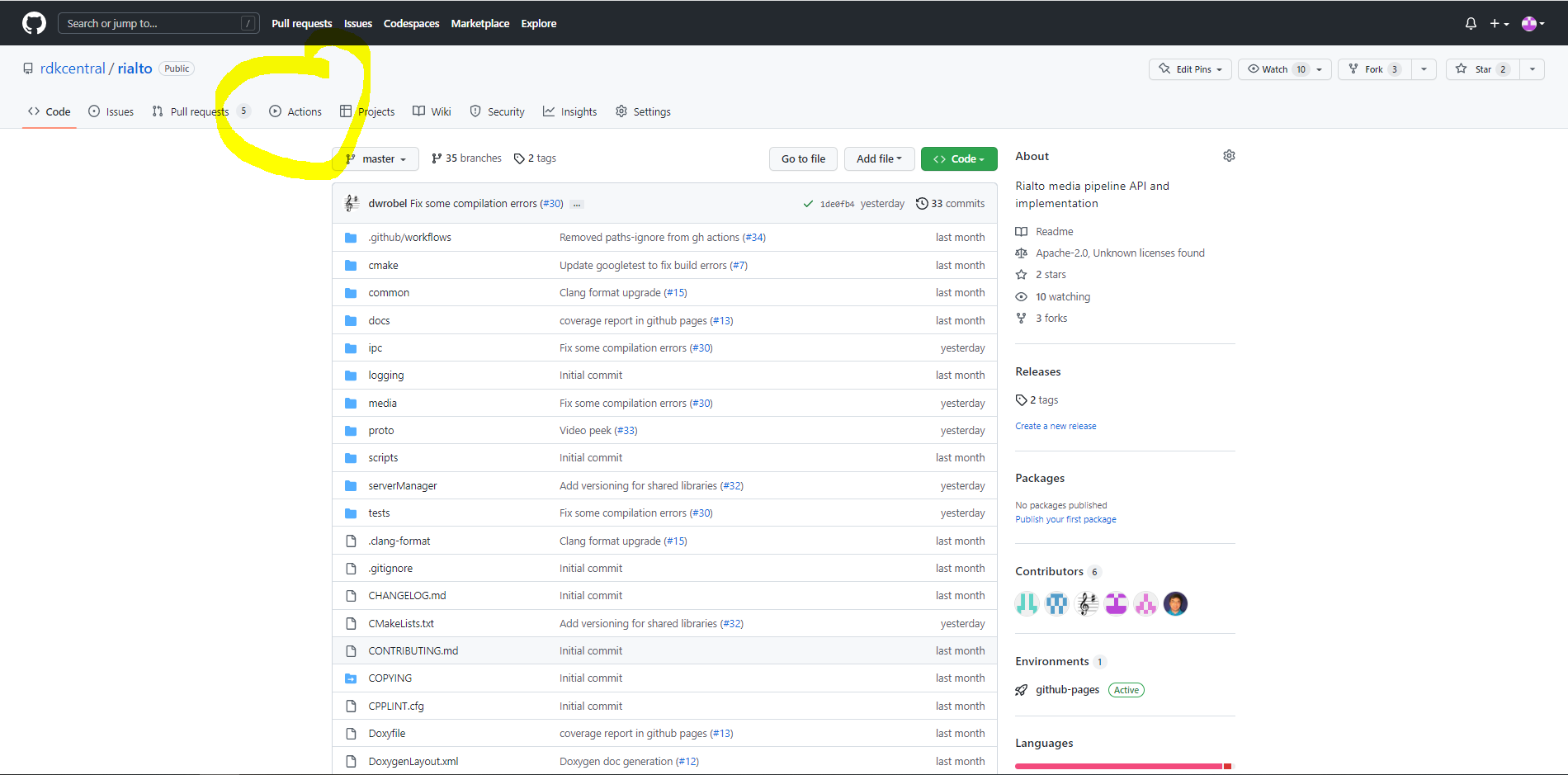
1. Go to the actions tab.
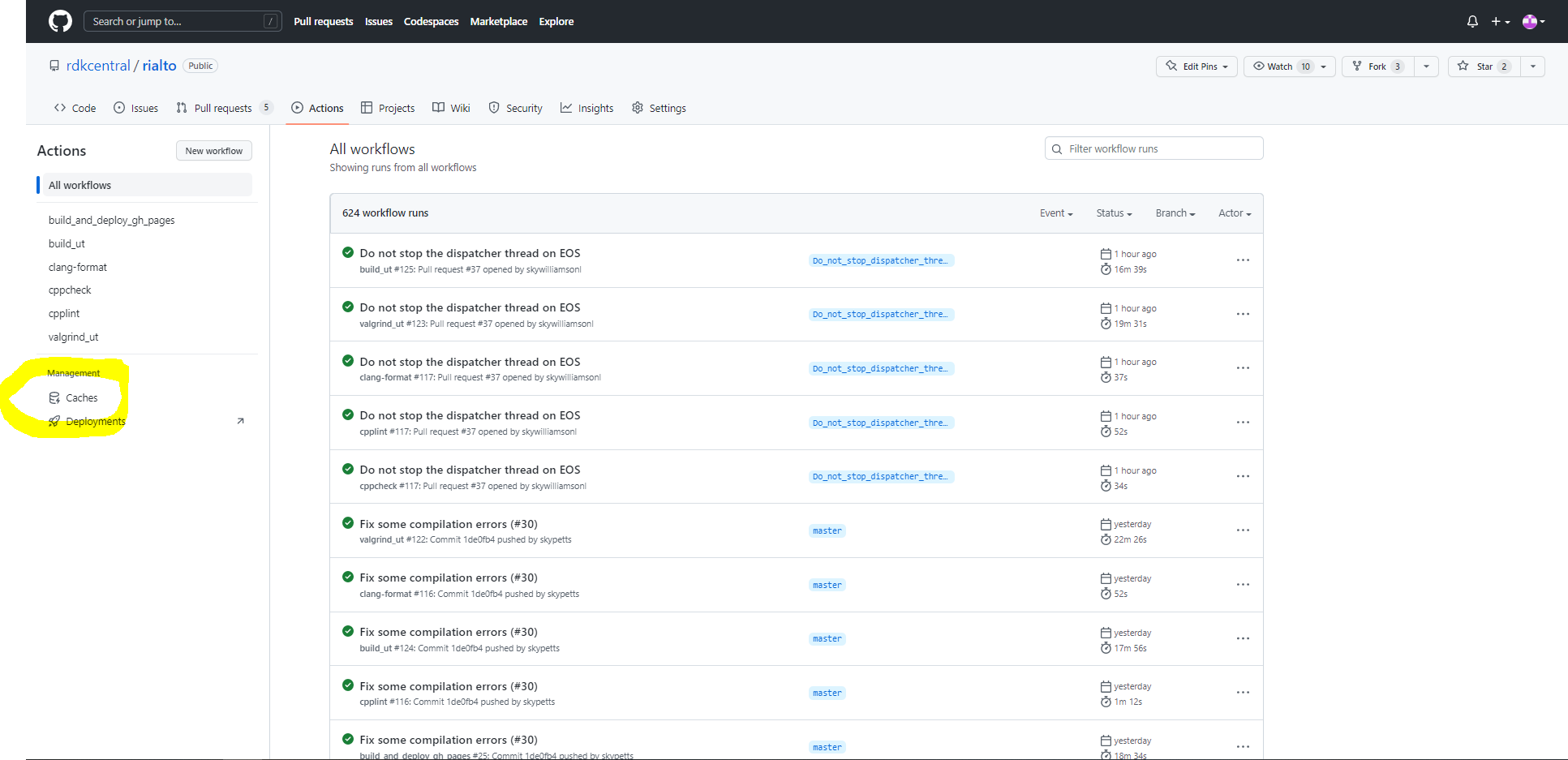
2. Go to the stored caches.
3. Delete the protobuf cache on the master branch.
4. Optional - Re-run failed test.
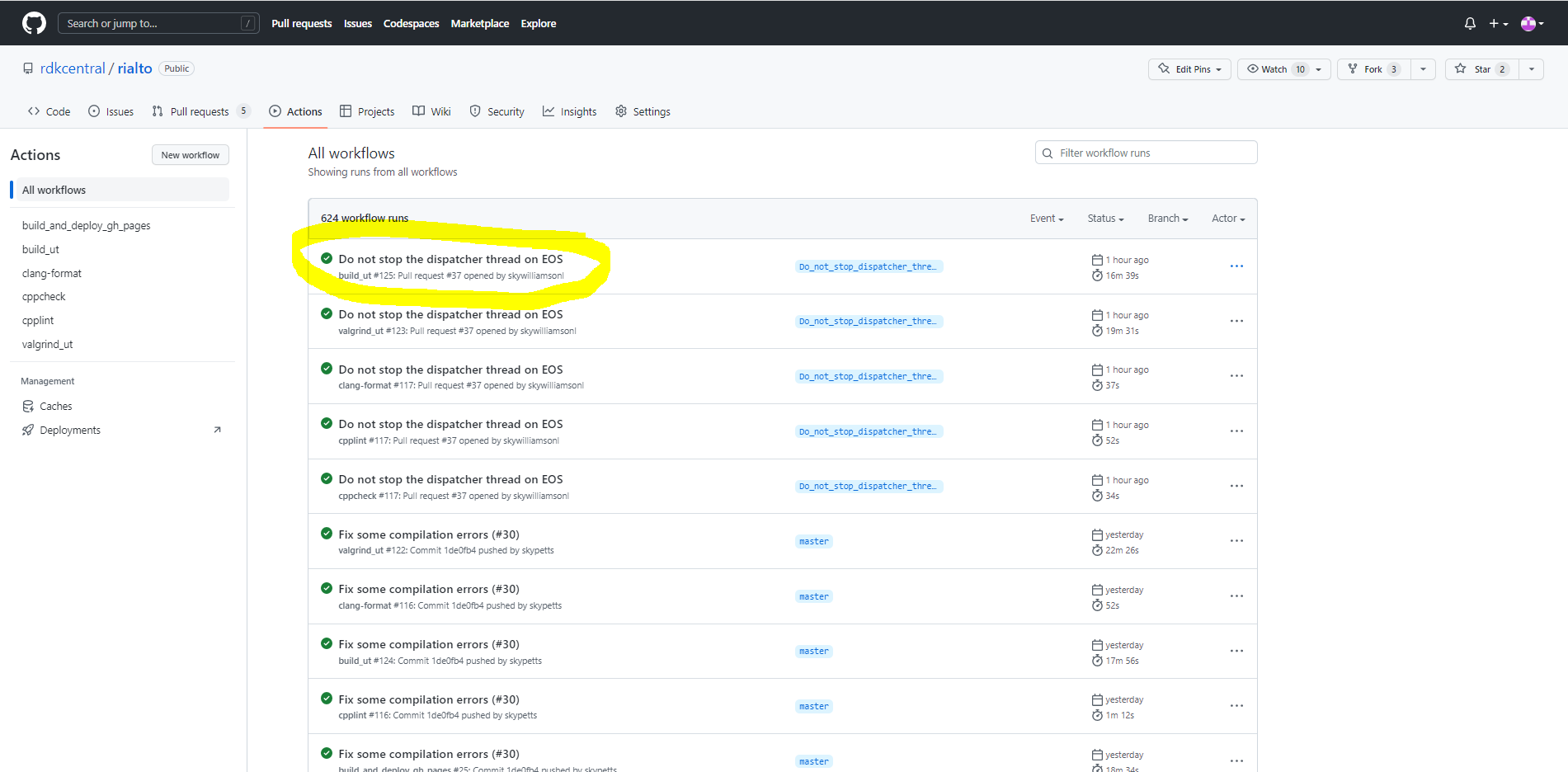
a. Go to the actions tab.
b. Click on test to re-run.
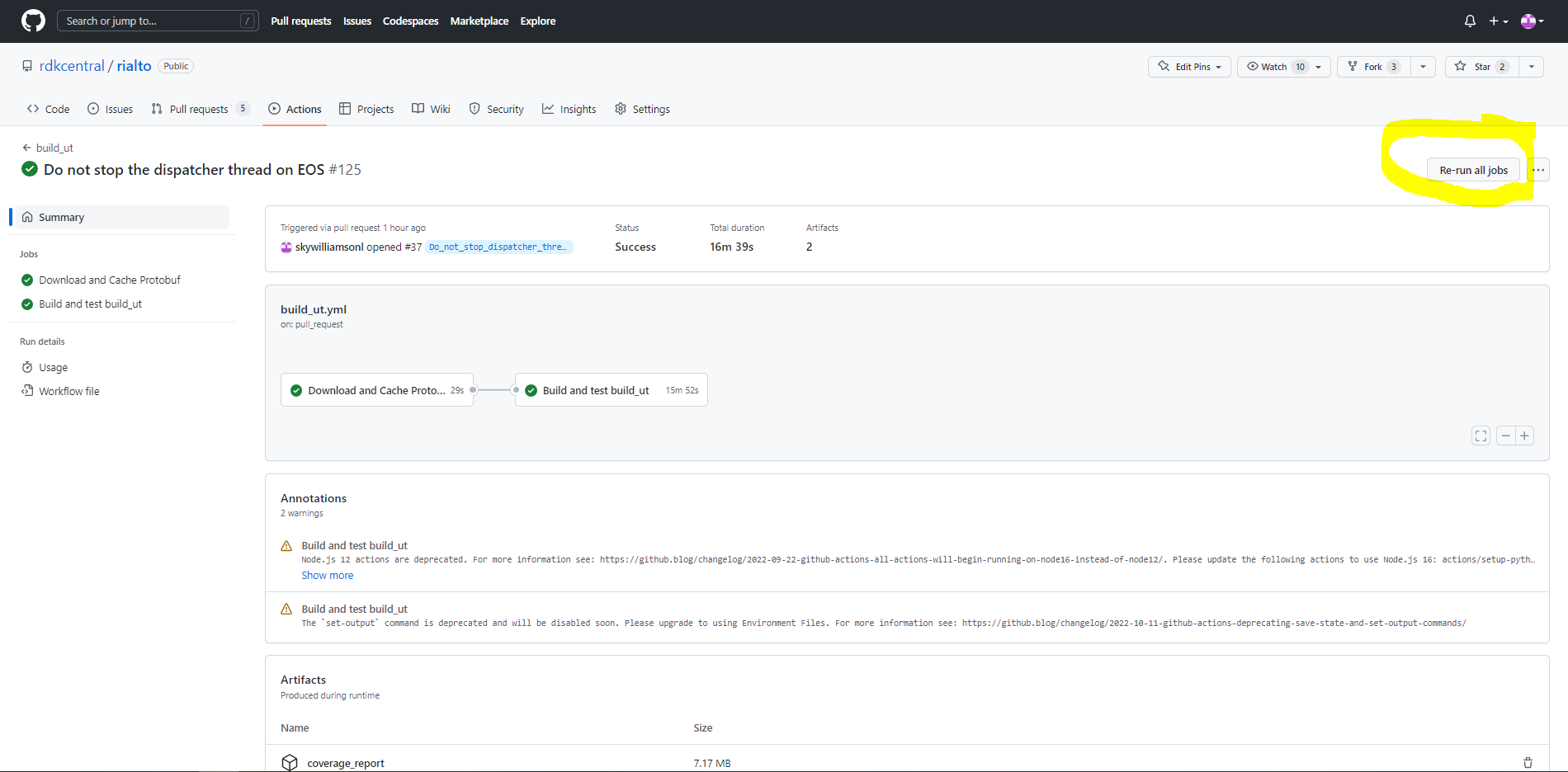
c. Press Re-run
Overview
Community Forums
Content Tools
Tasks