

Page History
...
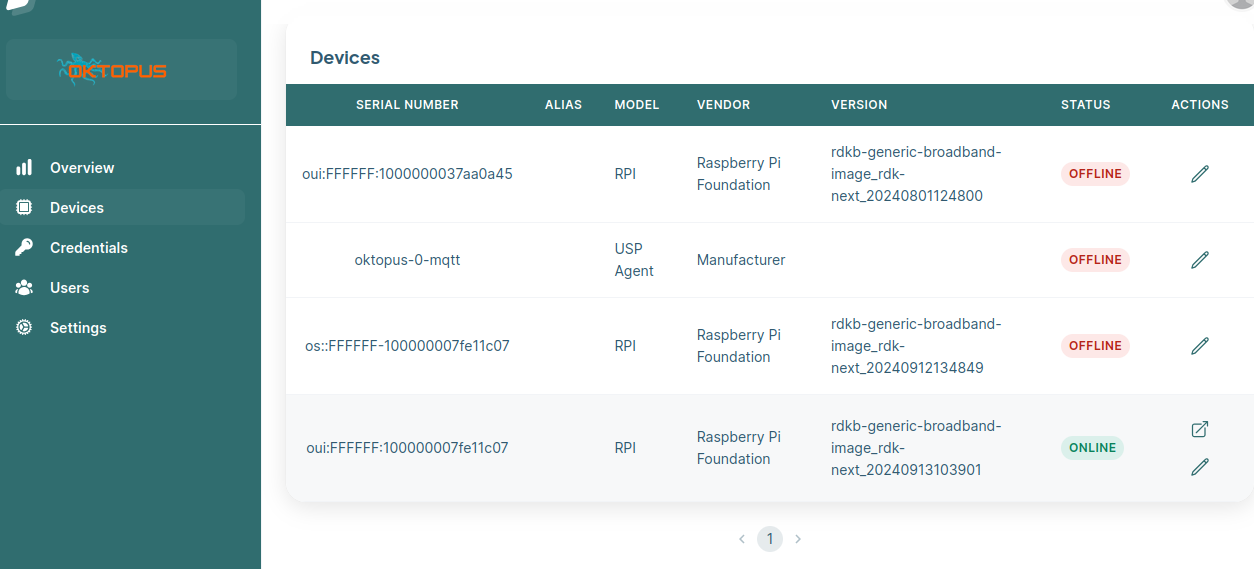
- After configuring the UspPa agent and connecting to the oktopus controller in the GUI the new device should appear under Devices with a status of ONLINE

- A Device Model needs to be created. Double click on your device and in the main dashboard under Device Model click on Generate
- Once the Device Model is created you can test setting a parameter e.g. We can review the current Device.WiFi.SSID.1.SSID set on the device:
...
# /usr/bin/UspPa -c get "Device.WiFi.SSID.1.SSID"
Device.WiFi.SSID.1.SSID => Demo
Contact
...
Overview
Community Forums
Content Tools
Tasks