

Page History
...
Ensure the GenieACS Server Setup is launched and running to establish the Client-Server communication
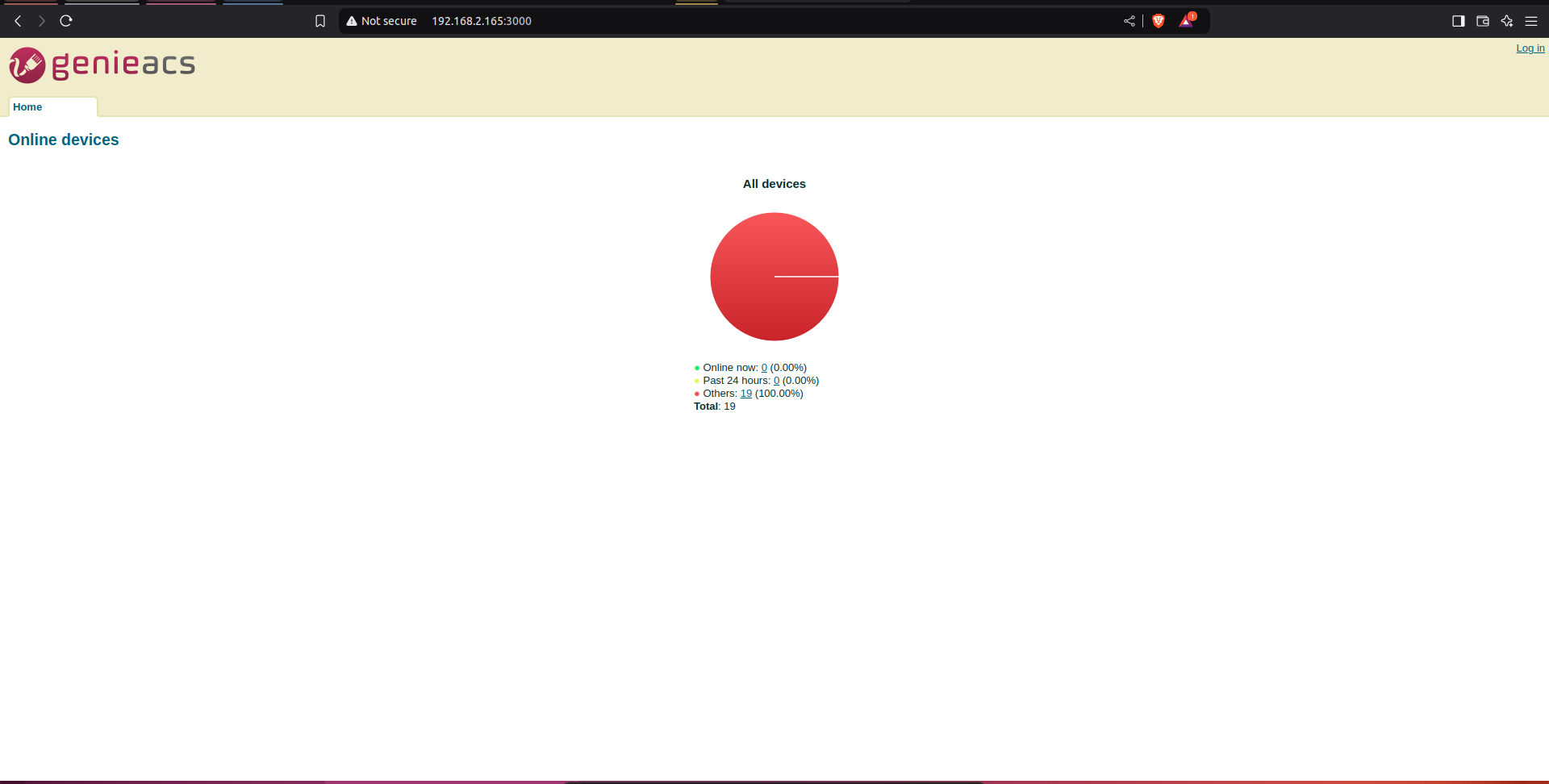
GenieACS server home page:
Test Procedure
...
Client BPIR4 set-up
Steps to be followed:
1) Flash the RDK-Broadband image where the Tr069 Protocol Agent is enabled.
| Code Block | ||||
|---|---|---|---|---|
| ||||
root@Filogic-GW:/lib/systemd/system# systemctl status CcspTr069PaSsp.service
● CcspTr069PaSsp.service - CcspTr069PaSsp service
     Loaded: loaded (/lib/systemd/system/CcspTr069PaSsp.service; enabled; vendor preset: enabled)
     Active: active (running) since Thu 2022-04-28 17:43:08 UTC; 2 years 6 months ago
    Process: 3809 ExecStartPre=/bin/sh -c val=`syscfg get EnableTR69Binary`; if [ "$val" == "false" ]; then `systemctl stop CcspTr069PaSsp`; fi (code=exited, status=0/SUCCESS)
    Process: 3834 ExecStart=/usr/bin/CcspTr069PaSsp -subsys $Subsys (code=exited, status=0/SUCCESS)
   Main PID: 3856 (CcspTr069PaSsp)
      Tasks: 17 (limit: 4713)
     Memory: 9.2M
     CGroup: /system.slice/CcspTr069PaSsp.service
└─ 3856 /usr/bin/CcspTr069PaSsp -subsys eRT. |
- b. Check
- 2) Check for the CcspTr069PaSsp is active and listening to port 7547

3)Then, set the parameters
...
for connecting CPE with ACS server.
| Code Block | ||||||
|---|---|---|---|---|---|---|
| ||||||
$ dmcli eRT |
...
setv Device.ManagementServer.EnableCWMP bool |
...
true $ dmcli eRT setv Device.ManagementServer.URL |
...
string http:// |
...
192. |
...
168. |
...
2. |
...
165:7547/ |
...
...
$ dmcli eRT setv Device.DeviceInfo.X_RDKCENTRAL-COM_Syndication.TR69CertLocation |
...
string "/etc/cacert.pem" |
...
4) Following are the parameters needed to be checked for TR69.
Parameter Name | Expected Value |
|---|---|
| Device.ManagementServer.EnableCWMP | true |
| Device.ManagementServer.URL | ACS Server URL: http://192.168.2.165:7547/ |
| Device.DeviceInfo.X_RDKCENTRAL-COM_Syndication.TR69CertLocation | /etc/cacert.pem |
5) Now, from the GenieACS Server try to fetch the Connected Devices details.
GenieACS Server Login & Initial check
- Visit the GenieACS Server page
- Click on "Devices" that displays the connected devices information and the device parameters available
- Visit the GenieACS Server page

Refernceces
1) Jira for integrating TR069 support into BPIR4: Jira server JIRA serverId 11deff04-0380-3a3d-a916-0849d4e573f7 key RDKBACCL-290
2)More Info with respect to tr69 validation in bpir4: Jira server JIRA serverId 11deff04-0380-3a3d-a916-0849d4e573f7 key RDKBACCL-476
Bugs
Acs server is taking time to update all the parameters at initial .
Jira for this bug: Jira server JIRA serverId 11deff04-0380-3a3d-a916-0849d4e573f7 key RDKBACCL-478
Overview
Community Forums
Content Tools
Tasks