

Page History
...
Steps for Set and get parameter validation.
-Setting data-model value from ACS server and retrieving the data-model info from CPE, Updating mentioning data model . "Device.X_CISCO_COM_DeviceControl.LanManagementEntry.1.LanMode"
1)Refresh "Device.X_CISCO_COM_DeviceControl" by scrolling in ACS page.
2) After refreshing all paramaters wrt "Device.X_CISCO_COM_DeviceControl" will be updated in acs server as mentioned below.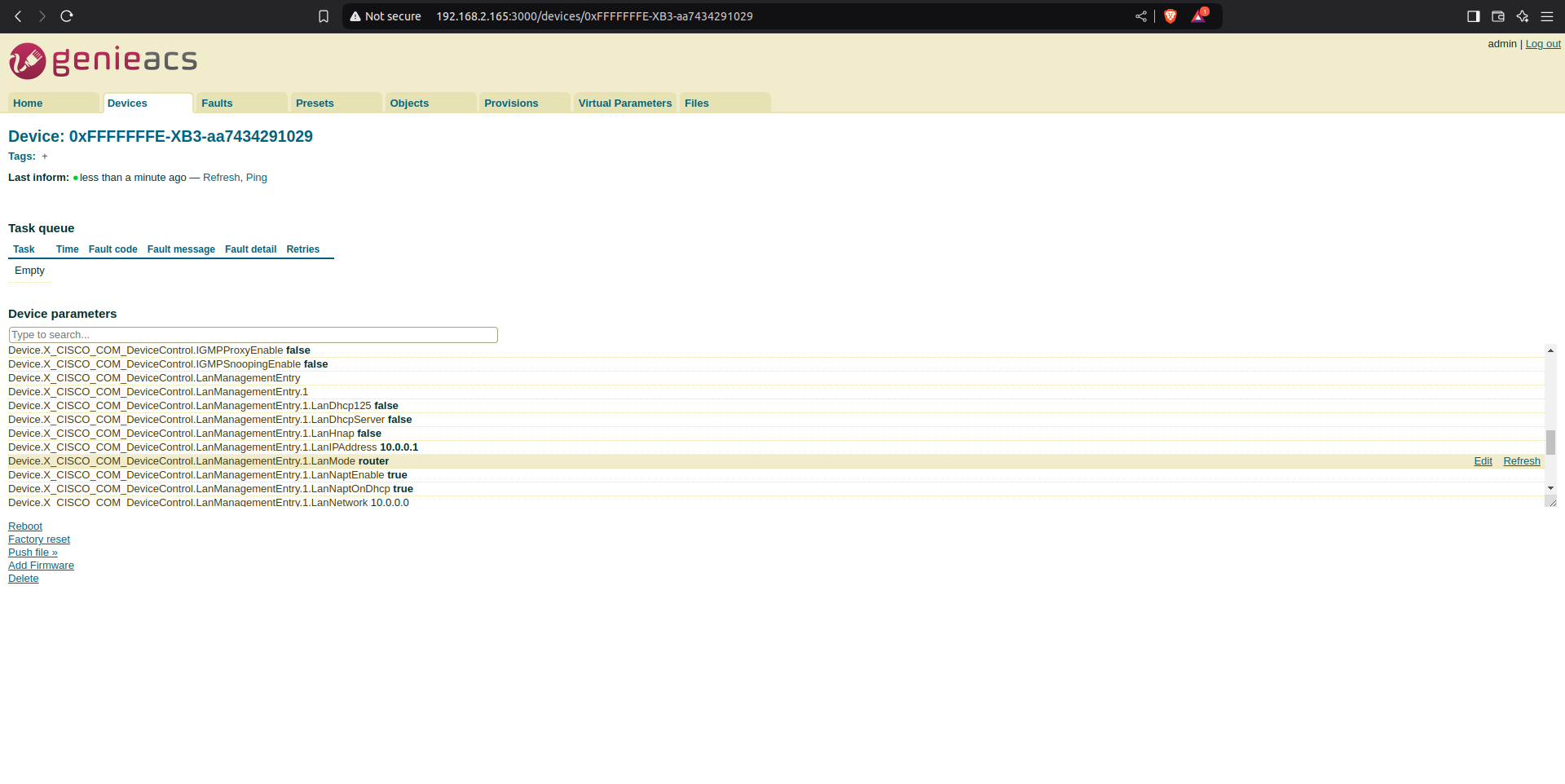
From the image we can see that
"Device.X_CISCO_COM_DeviceControl.LanManagementEntry.1.LanMode" value is router. so now we will change this value to "bridge-static".
3)From cpe side also we can see that LanMode is router.
| Code Block | ||
|---|---|---|
| ||
4)From ACS server side change Lanmode paratmetor to bridge-state from router mode using edit option, edit option which will be visible at right side to the specified datamodel.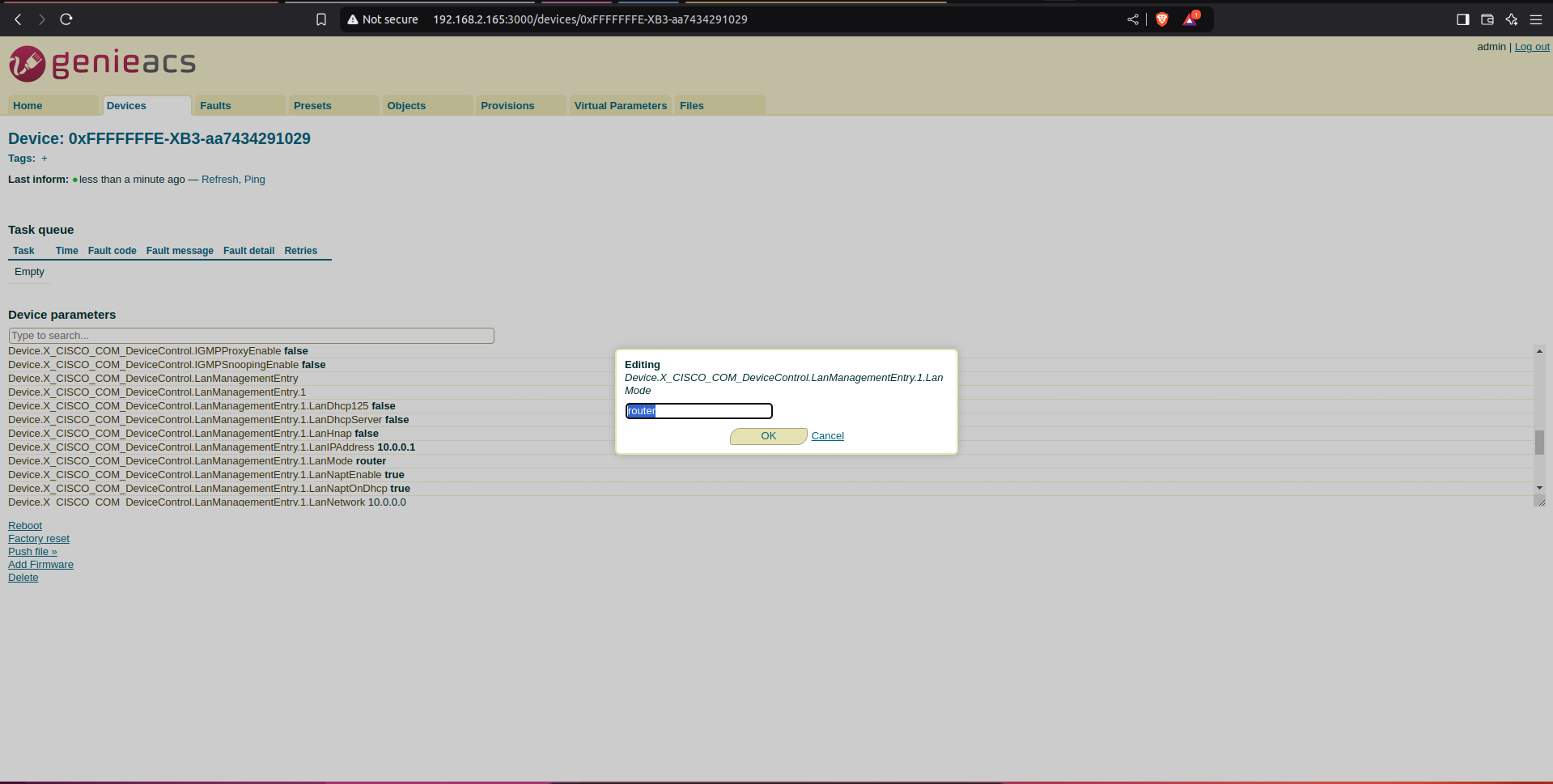
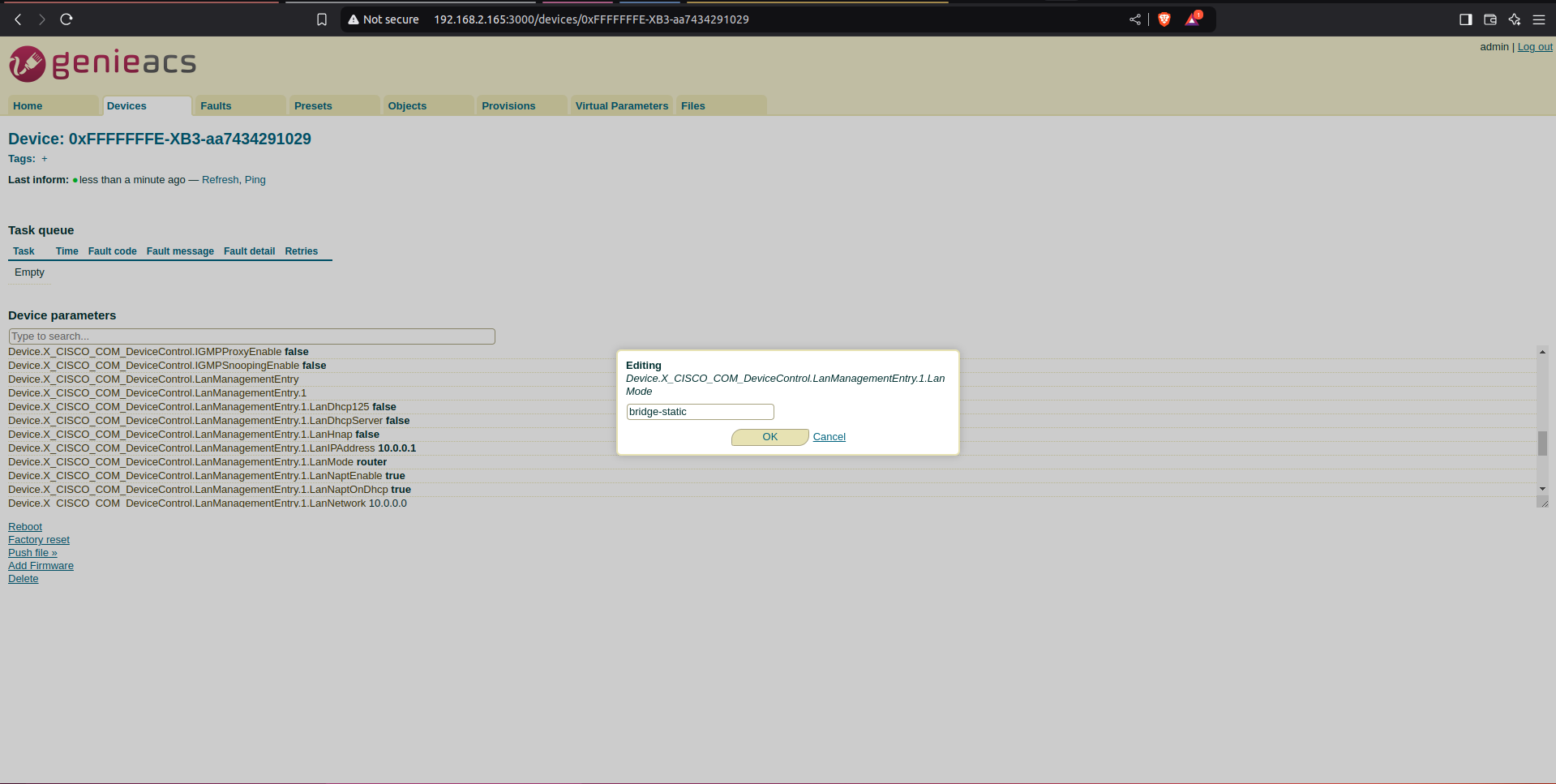
5)Then select commit option which will be populated at right corner to confirm the changes to be modified.
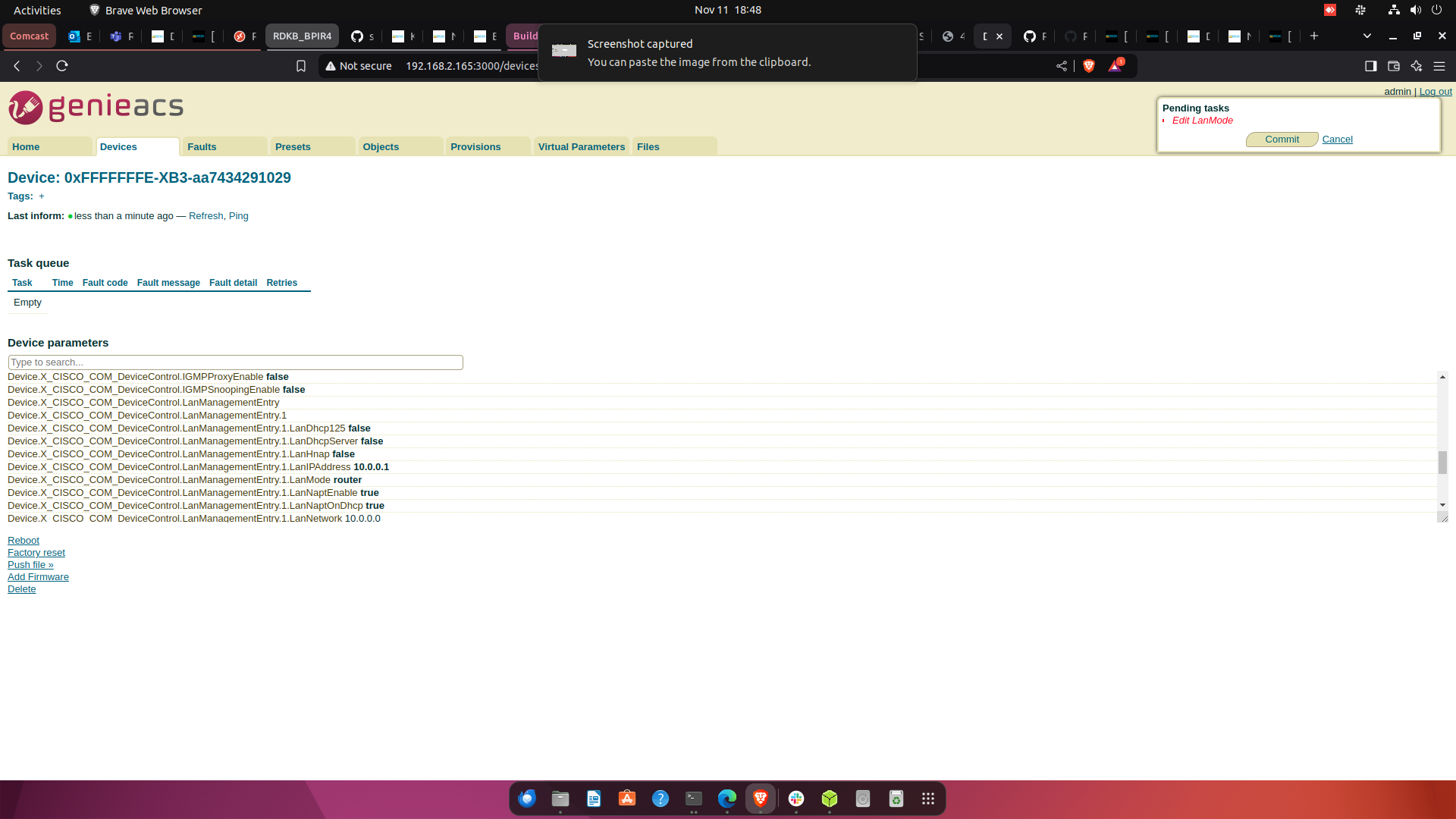
6) After selecting commit button, we can see Lanmode paramator data will be update.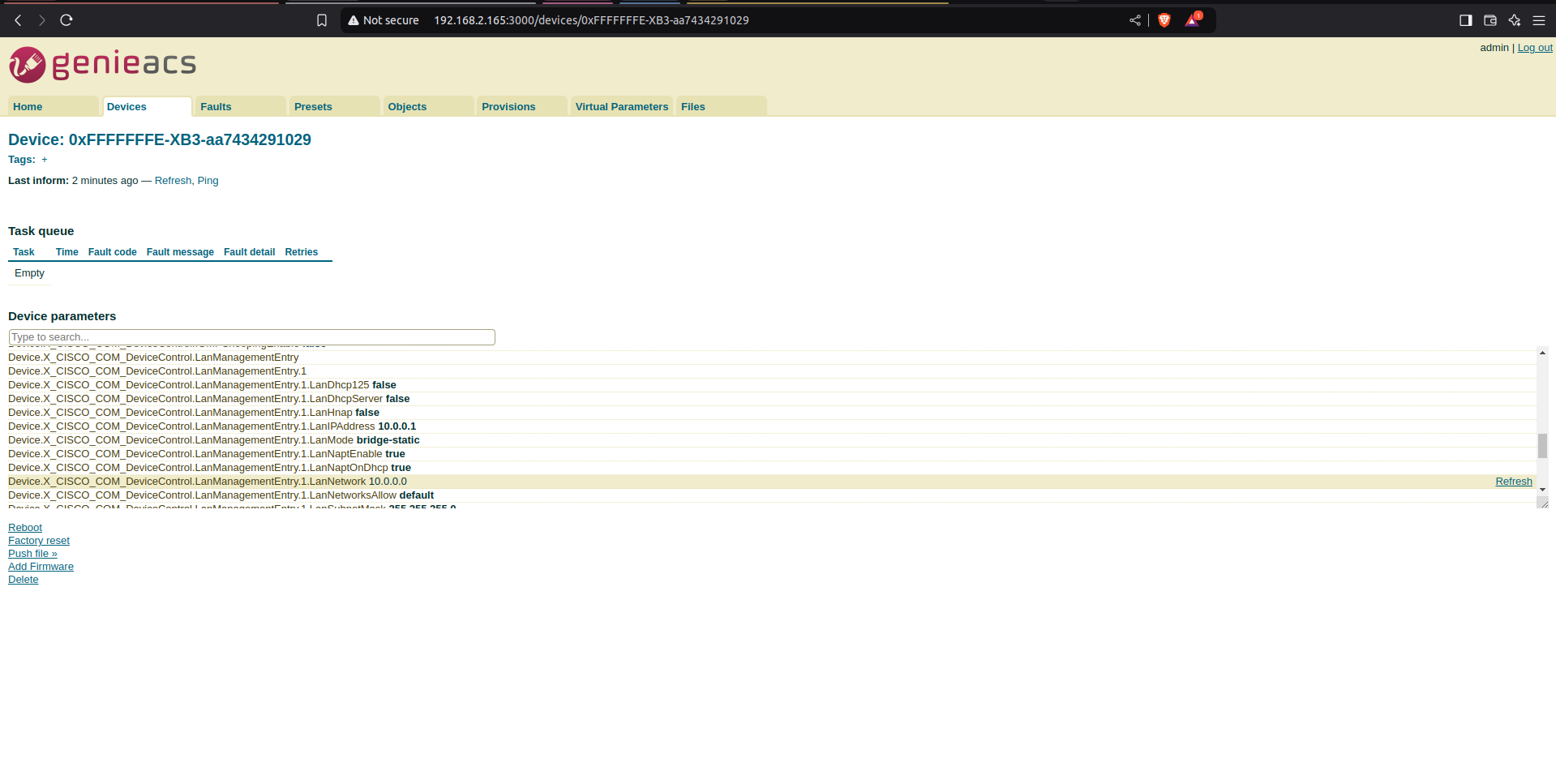
7)Modified datamodel info from CPE device(BPIR4).
| Code Block | ||||
|---|---|---|---|---|
| ||||
root@Filogic-GW:~# dmcli eRT getv Device.X_CISCO_COM_DeviceControl.LanManagementEntry.1.LanMode
CR component name is: eRT.com.cisco.spvtg.ccsp.CR
subsystem_prefix eRT.
Execution succeed.
Parameter    1 name: Device.X_CISCO_COM_DeviceControl.LanManagementEntry.1.LanMode
type: string, value: bridge-static |
Reference.
1) Jira for TR069 support in BPIR4: Jira server JIRA serverId 11deff04-0380-3a3d-a916-0849d4e573f7 key RDKBACCL-290
2)More Info with respect to tr69 validation in bpir4: Jira server JIRA serverId 11deff04-0380-3a3d-a916-0849d4e573f7 key RDKBACCL-476
...
Overview
Community Forums
Content Tools
Tasks