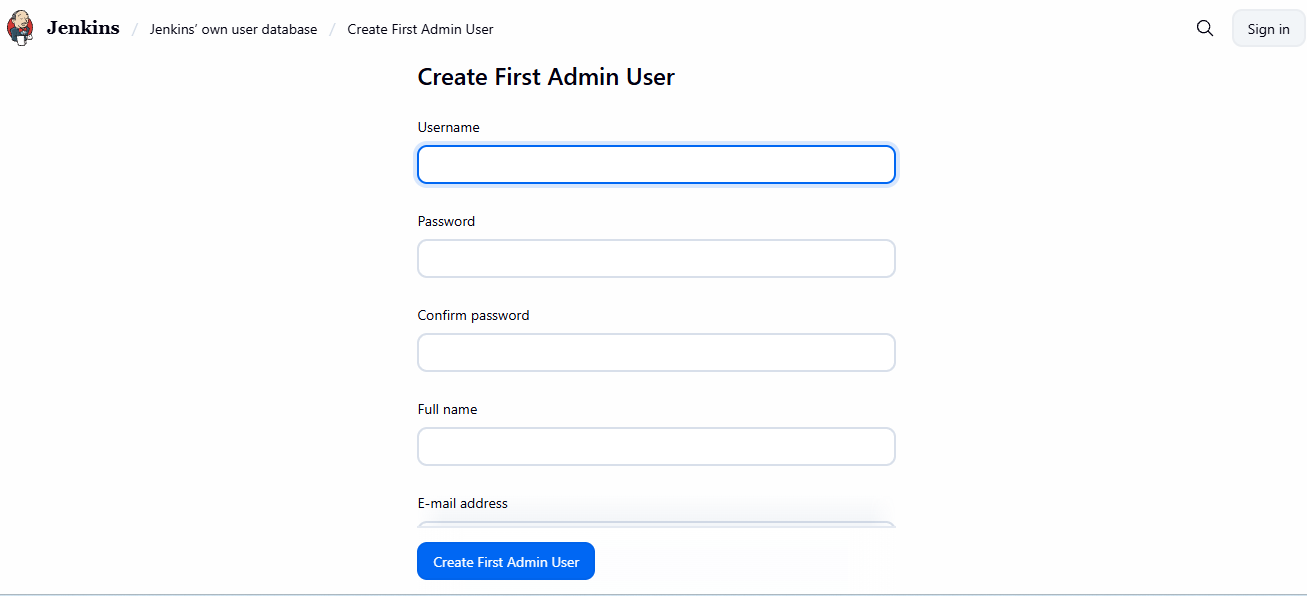
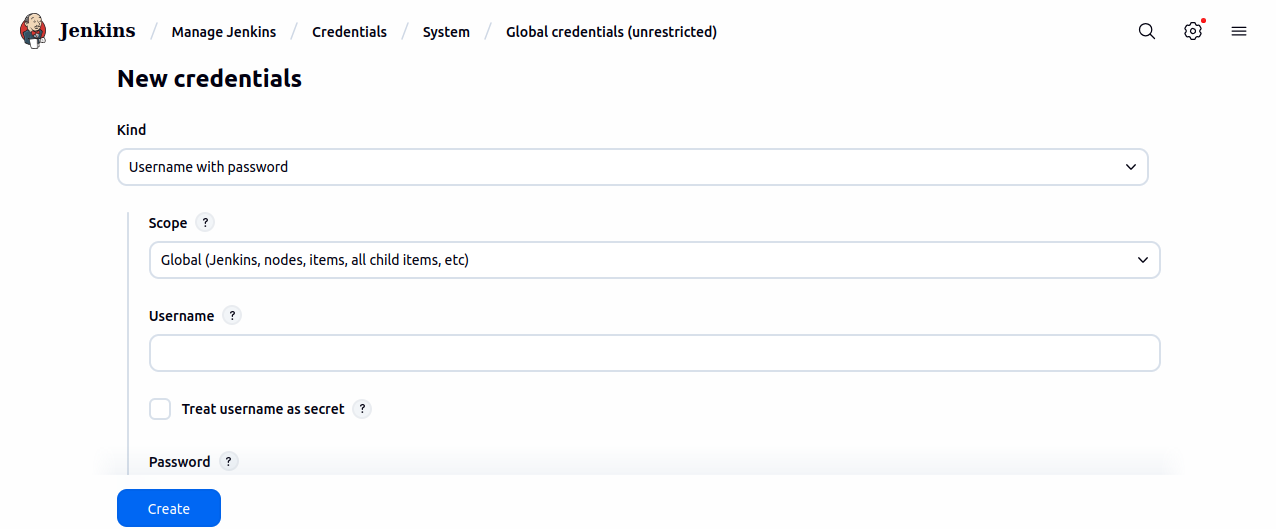
Automatics Setup StepsNavigate through below stages to bring up Automatics Docker Containers. | draw.io Diagram |
|---|
| border | true |
|---|
| |
|---|
| diagramName | JenkinsSetupFlow |
|---|
| simpleViewer | false |
|---|
| width | |
|---|
| links | auto |
|---|
| tbstyle | top |
|---|
| lbox | true |
|---|
| diagramWidth | 1161 |
|---|
| height | 61 |
|---|
| revision | 3 |
|---|
|
Pre-requisitesBefore you begin, ensure you have the following installed in VMs: Virtual Machine (VM): VMs with root access. Git: Installed on your Jenkins VM. Docker : To be installed in all VMs where Automatics components has to be deployed Self Hosted Maven Artifact Repository : (Optional) This is where Automatics maven artifacts will be deployed and used during test execution using maven. If this setup is not available, please press enter for inputs asking maven artifact repo details. If planning to keep the artifacts in maven local repo in the same machine, please replace the command clean deploy with clean install in jenkins jobs configuration where ever applicable.
Docker Setup StepsPlease follow below steps to setup docker in your VMs. | Code Block |
|---|
curl -fsSL https://get.docker.com -o get-docker.sh
sh get-docker.sh |
Create a new user group named "docker" and add the Jenkins user to this group: | Code Block |
|---|
sudo groupadd docker
sudo usermod -aG docker $USER |
Log out and log back in to re-evaluate group membership. On a virtual machine, you may need to restart it. On Linux, you can also run: Verify Docker commands can be run without sudo: | Code Block |
|---|
docker run hello-world |
Note: Ensure access to pull Docker base images like Tomcat and MySQL from Docker Hub. If access is not available, ensure these images are available locally on the Jenkins VM.
Clone Automated Deployment RepositoryAfter the pre-requisites are done, clone the automated deployment repository in the VM where Jenkins is planned to setup. Automatics Automated build and deployment Repo Repo : https://code.rdkcentral.com/r/admin/repos/rdk/tools/automatics/dev-ops (Please open the above url in browser and git clone url is available in the page) Branch : rdk-next Sub folder : - Build : automationScripts\build\
- Deployment : automationScripts\deployment\
- Jenkins Setup : jenkinsServerSetup\
Clone the repository https://code.rdkcentral.com/r/admin/repos/rdk/tools/automatics/dev-ops(Please open the above url in browser and git clone url is available in the page) and navigate to the jenkinsServerSetup directory: | Code Block |
|---|
git clone <repository_url>
cd dev-ops/jenkinsServerSetup |
Setup Automatics Jenkins
- Execute the installation script as
sudo from dev-ops/jenkinsServerSetup
|