


Introduction
TR-069 is a technical specification that defines an application layer protocol for remote management of end-user devices. It was published by the Broadband Forum and was entitled CPE WAN Management Protocol (CWMP). It provides the communication between CPE and Auto Configuration Servers (ACS). An ACS can manage a device, trouble shoot, configure, upgrade etc. TR-69 uses common web protocols such as HTTP, TCP-IP, SOAP, XML-RPCs to exchange information.
GenieACS Server and Client BPI communication
The CPE is responsible for establishing the session to the server. The CPE keeps sending HTTP POST requests during the session. The session is closed as soon as both CPE & GenieACS have indicated that they have nothing more to send (response or new RPC)
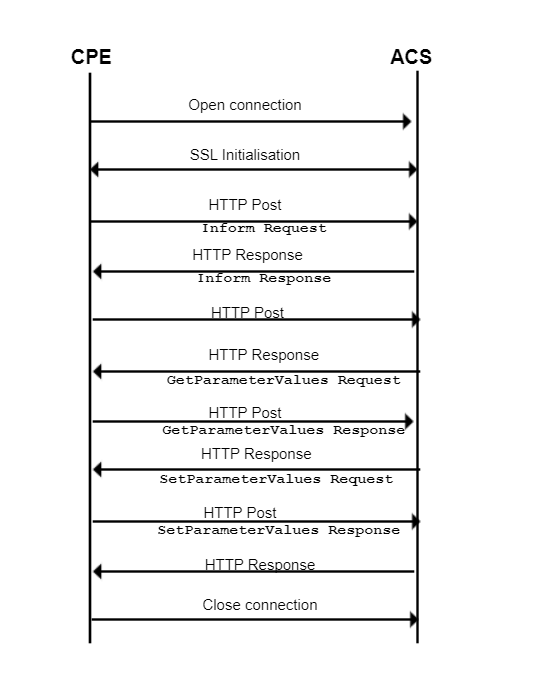
GenieACS Server
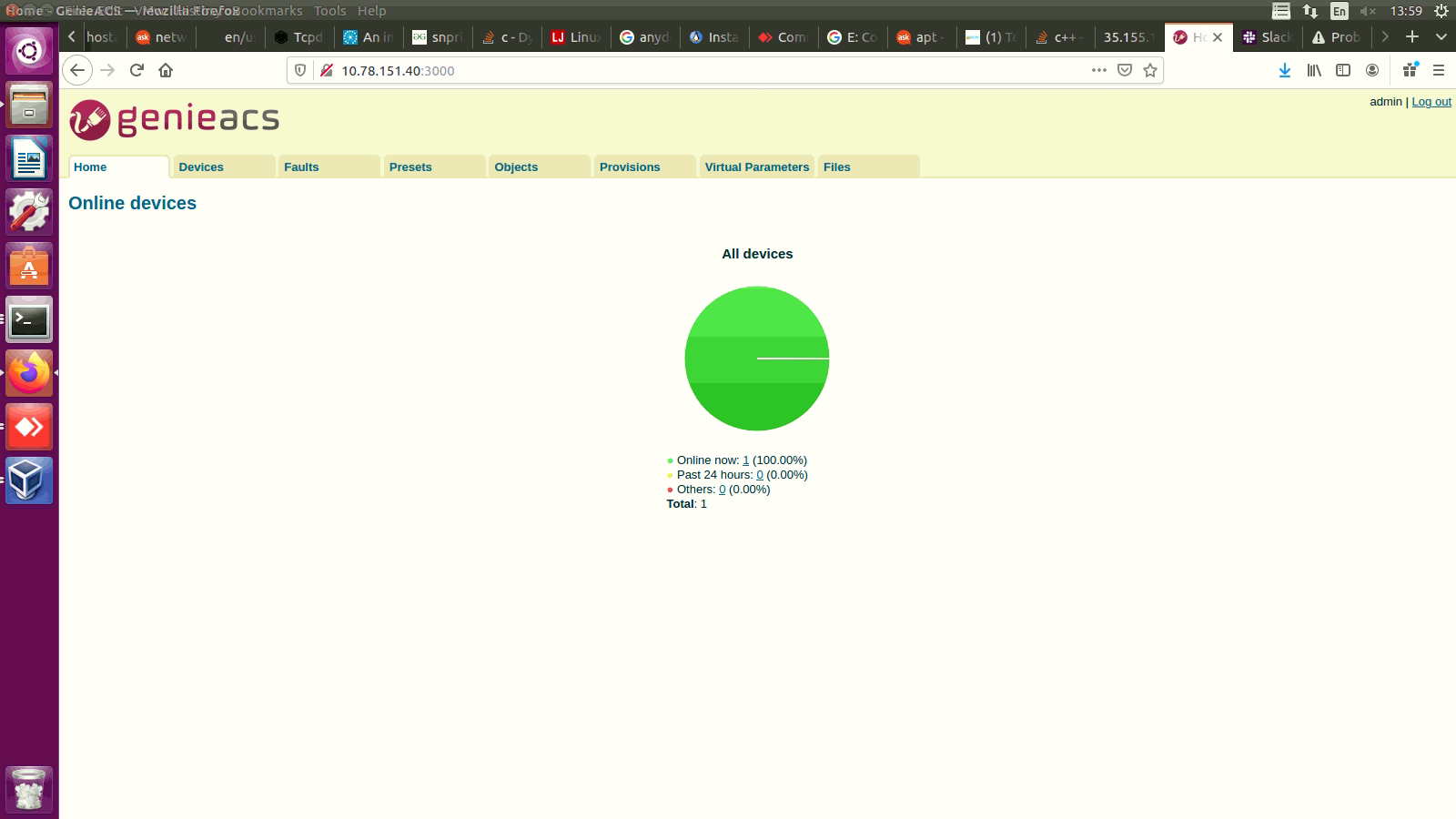
Ensure the GenieACS Server Setup is launched and running to establish the Client-Server communication
GenieACS server home page:
Test Procedure
Client RPI set-up
Steps to be followed:
- Flash the RDK-Broadband image where the Tr069 Protocol Agent is enabled.
- Flash the RDK-Broadband image where the Tr069 Protocol Agent is enabled.
- b. Check for the CcspTr069PaSsp is active and listening to port 7547

Then, set the parameters,
|
Following are the parameters needed to be checked for TR69
| Device.ManagementServer.EnableCWMP | true |
| Device.ManagementServer.URL | ACS Server URL: http://192.168.2.165:7547/ |
| Device.DeviceInfo.X_RDKCENTRAL-COM_Syndication.TR69CertLocation | /etc/cacert.pem |
Now, from the GenieACS Server try to fetch the Connected Devices details
GenieACS Server Login & Initial check
- Visit the GenieACS Server page
- Click on "Devices" that displays the connected devices information and the device parameters available

Overview
Community Forums
Content Tools
Tasks