

Page History
...
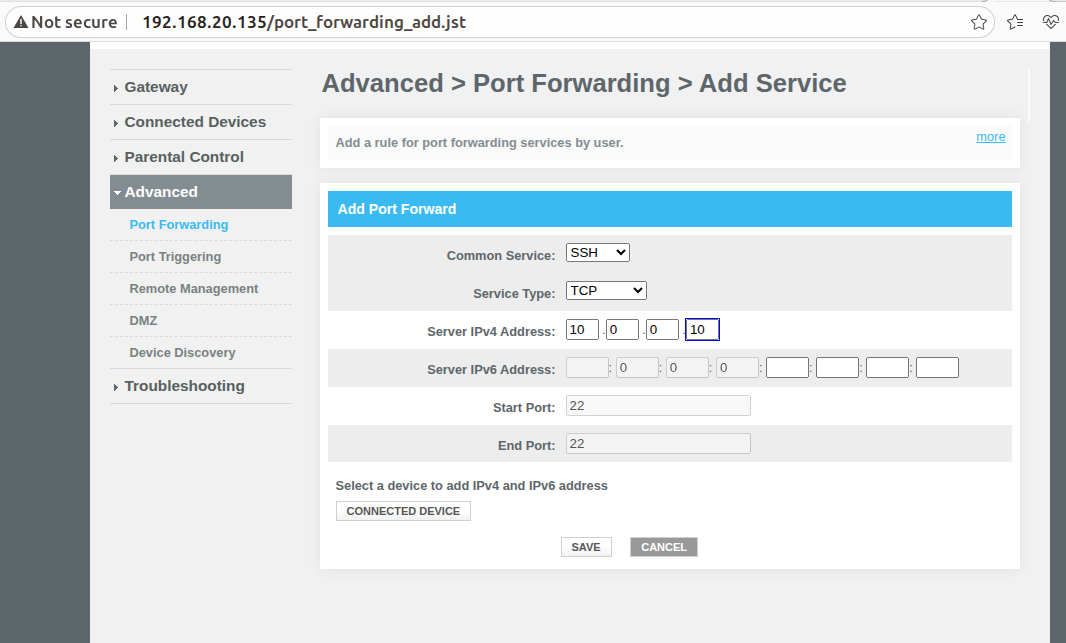
TCP - Method used SSH server |
|---|
1)In Your client machine(LAN)you should have SSH installedEX: ssh <username of lan client>@<erouter0 ip> |
UDP - The Netcat ( |
1)In Advance > Port Forwarding > Add Service, Common Service as other, Service Name as Netcat and Service Type as UDP, add lan clients's Server IPv4 Address |
...
WEBUI
Step 1: Login to webui, from navigation -> Advanced ->Port Forwarding. Click on Add Port Forwarding.
|
|---|
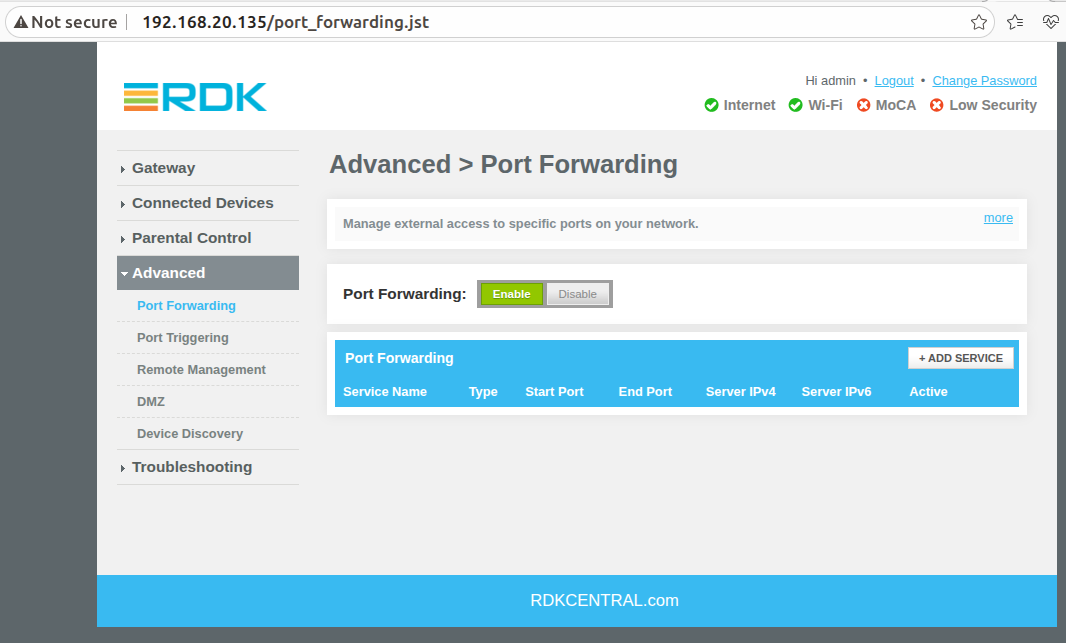
Testing Steps (TCP and UDP)
TCP :
Router configure Trigger port 443:443 and Target port 21:21.
...
From External network(WAN) try to access ftp server of client machine(LAN client) using router uplink ip address(Goto terminal enter ftp -p 192.168.2.30 in WAN client),
while client machine(LAN)run https service(In browser https://www.google.com)
|
|---|
UDP : UDP :
|
|---|
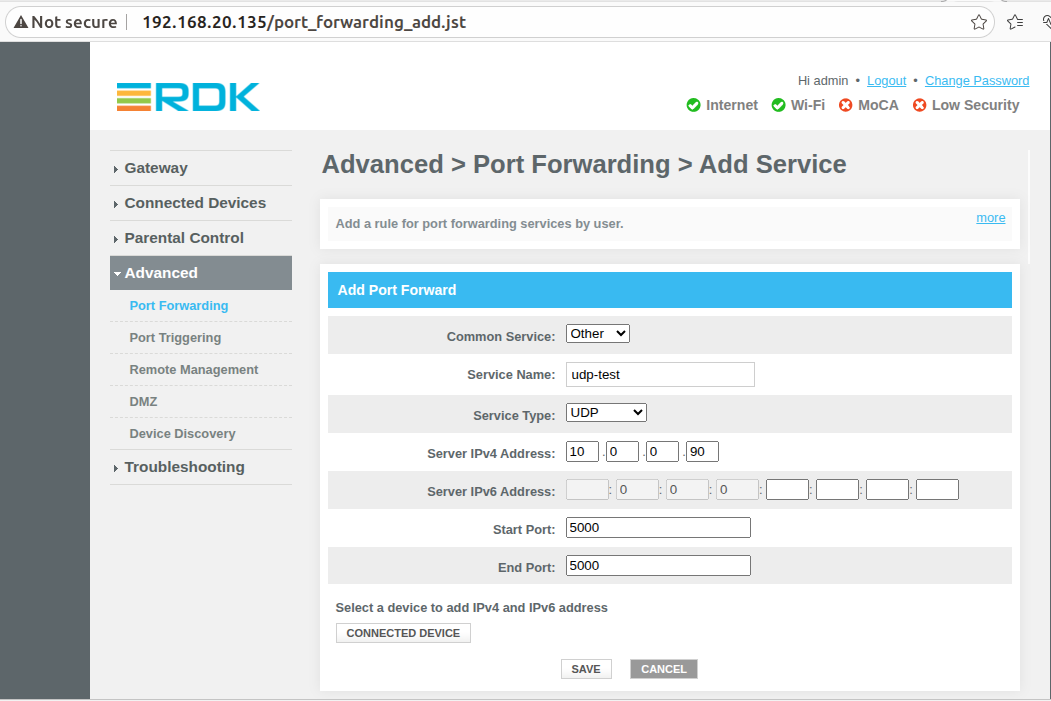
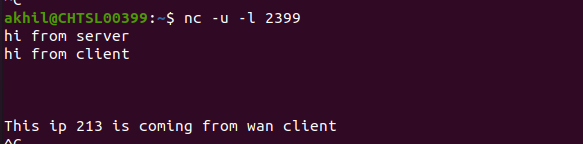
In Your client machine(LAN)you have to run : nc -u -l 5000
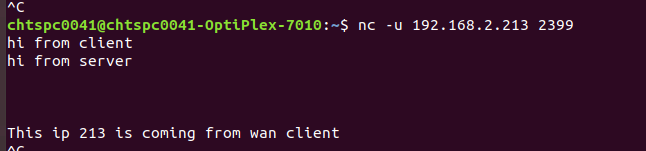
From external WAN machine run nc -u 192.168.2.30 5000, while client machine(LAN)run https service(In browser https://www.google.com)
|
|---|
|
...
Overview
Community Forums
Content Tools
Tasks